
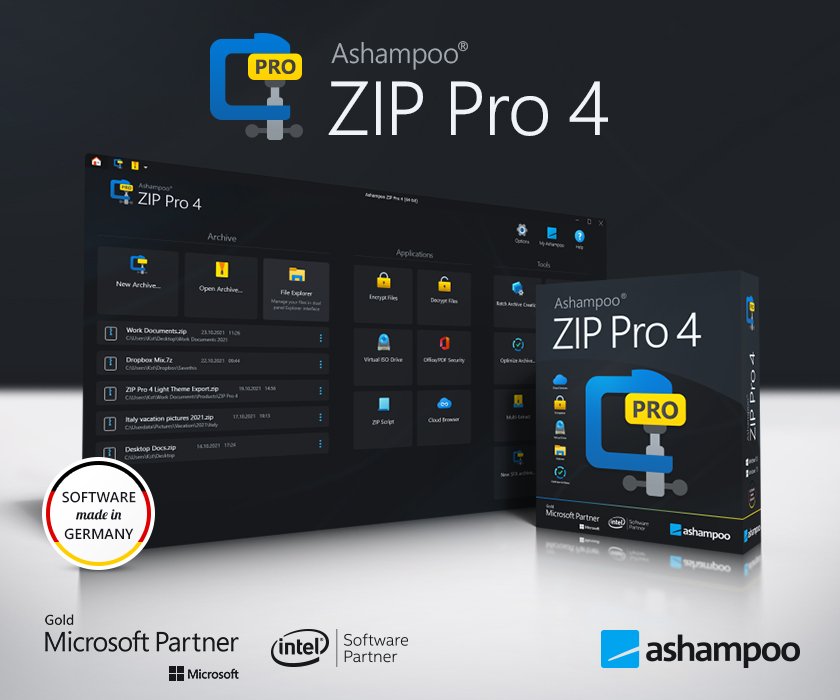

The world’s fastest ZIP / ZIPX engine–now also for Windows 11!
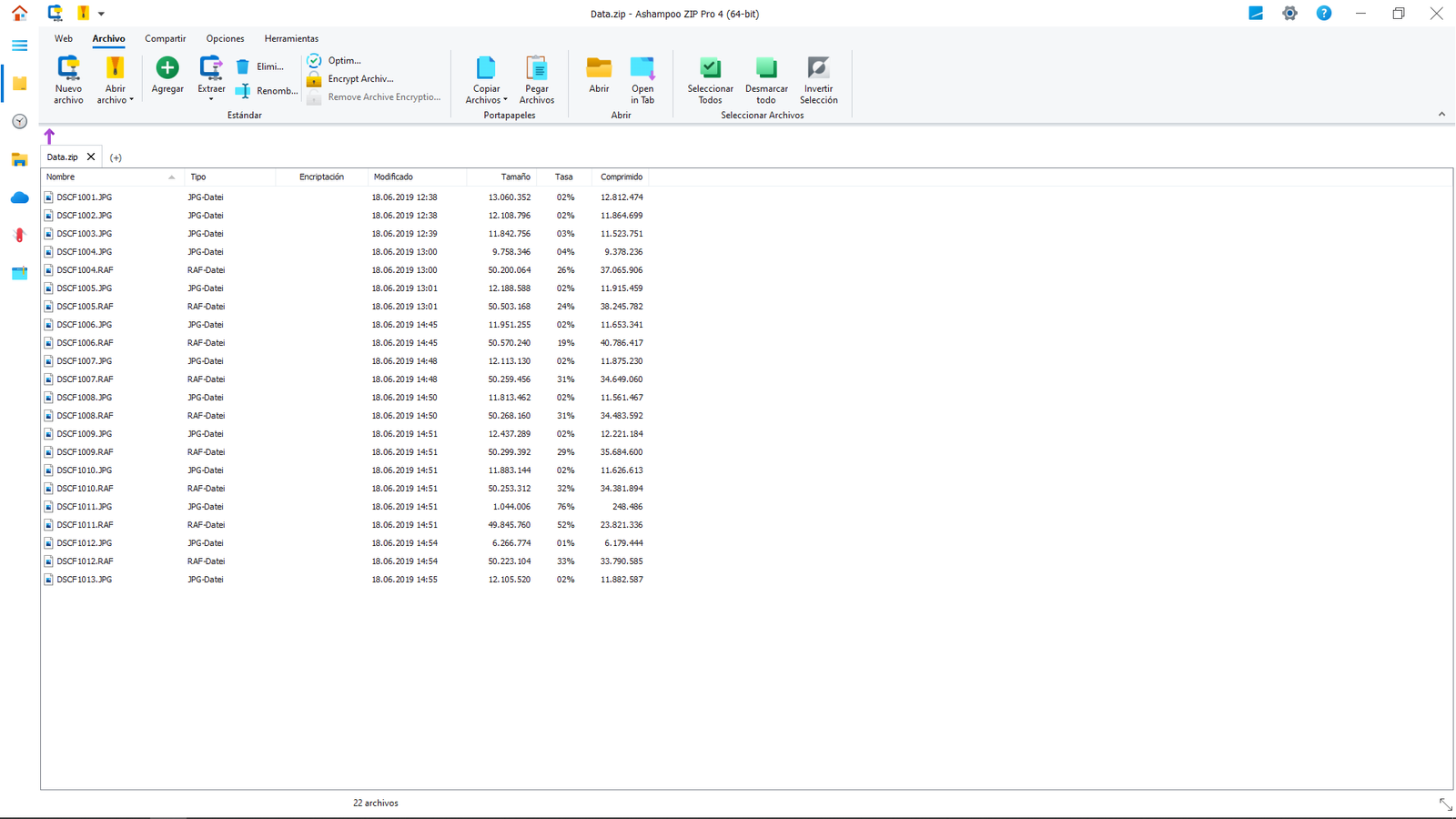
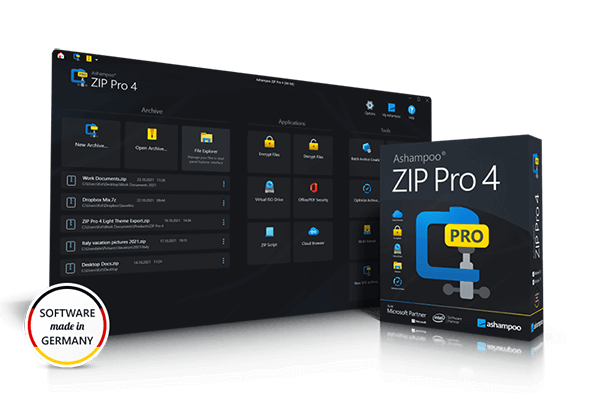
Ashampoo® ZIP Pro 4 is no mere ZIP application but a complete, feature-packed suite to compress, extract, send and encrypt your files! ZIP Pro 4 handles a total of 60 archive types. Creating and encrypting archives takes just seconds, thanks to full multi-core support and 256-bit encryption keeps your archives safe. The built-in file explorer supports a classic split-pane view as well as cloud and FTP support—on top of all major ZIP functions, naturally! Version 4 is fully Windows 11 compatible and accessible directly in Windows Explorer thanks to native shell integration.
New for you
- Fully Windows 11 compatible
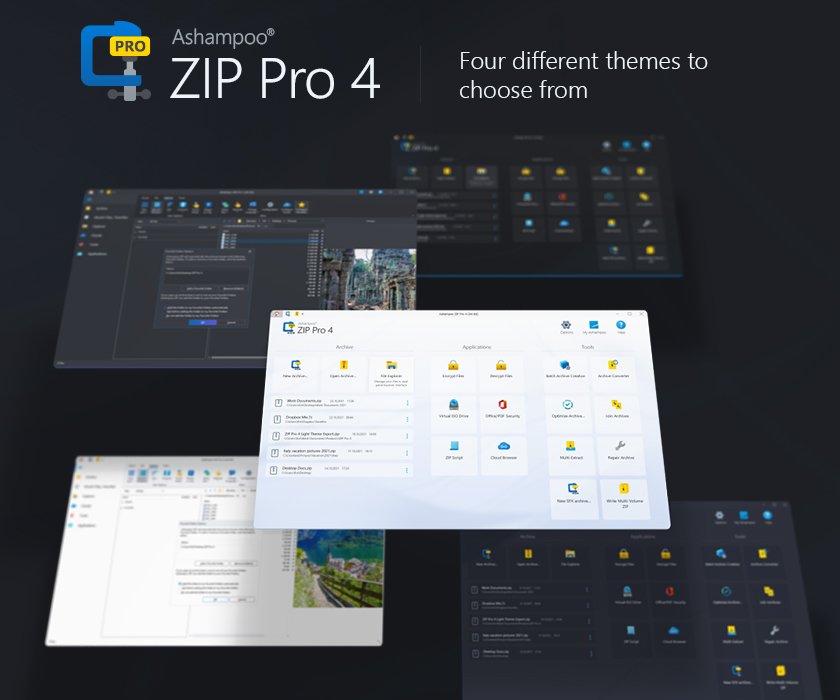
- Elegant Windows 11 design with rounded corners and fitting themes
- Native Windows 11 shell extensions
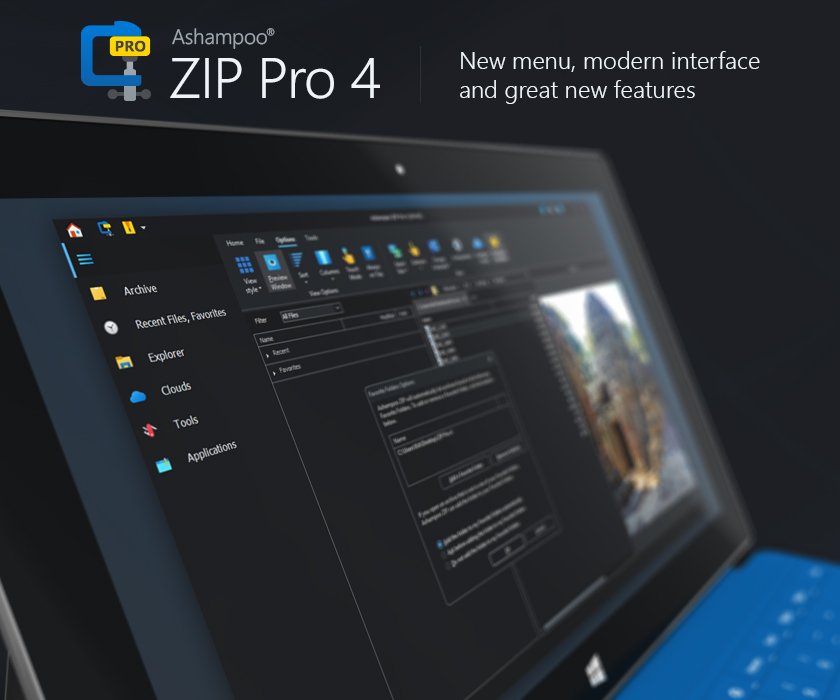
- Instantly toggle application modes (archiver, explorer, cloud manager, tools)
- Improved ribbon-based interface with context-sensitive tabs
- New skins, icons, and designs
- Super crisp visuals, also for high-res 4K displays
- Handy favorites and event panel
Fully ready for Windows 11
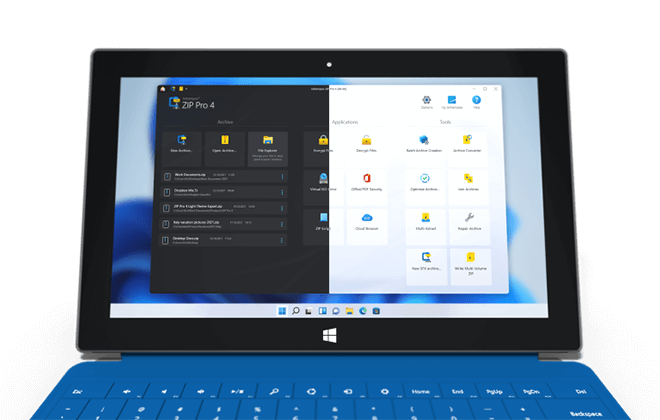
The new Ashampoo® ZIP Pro 4 features an elegant design that perfectly matches Windows 11. Rounded elements and stylish themes fit the new Windows like a glove. The new ribbon-based user interface along with new skins and icons also look absolutely stunning in 4K! Naturally, the program is fully Windows 11 compatible and integrates with Windows Explorer via handy shell extensions. You’ll love the new look and improved performance of Ashampoo® ZIP Pro 4!
Fast, handy, versatile
New formats and enhanced data compression add to Ashampoo® ZIP Pro 4’s already impressive core feature set. Handy context-sensitive tabs, a favorites and events panel as well as a built-in cloud services overview provide a seamless workflow and fast-paced results! Switch between different application modes (archiver, explorer, cloud manager, tools) and compress/decompress faster than ever before! No matter what files you’re working with, Ashampoo® ZIP Pro 4 offers a ton of high-security formats and options!
Ashampoo ZIP Pro
Enjoy 100% compatibility with ZIP, ZIPX, RAR, CAB, ISO and over 60 other popular formats! Benefit from live previews and 256-bit encrypted self-extracting archives. Upload your data via FTP to the cloud or take the traditional route and burn them to disc!
Ashampoo ZIP Pro Portable
World-class software to go: Compress, encrypt or extract your files on the go with ZIP Pro Portable! Simply run the full program from a flash drive, external hard disk or via DAV, no installation required.
If you haven’t installed a ZIP program in years, ZIP Pro might surprise you. Sure, it can compress files like any other archiver, but it goes far beyond that: It supports nearly everything related to compression, backup, and encryption. I hadn’t even heard of many of the 60 supported archive formats ZIP Pro opens with absolute ease.

Ashampoo ZIP Pro Office add-ins
Access the power of ZIP directly in your favorite Office applications. Conserve disk space, protect your documents against unauthorized access and save time with clever automatic features!
Ashampoo encryption suite
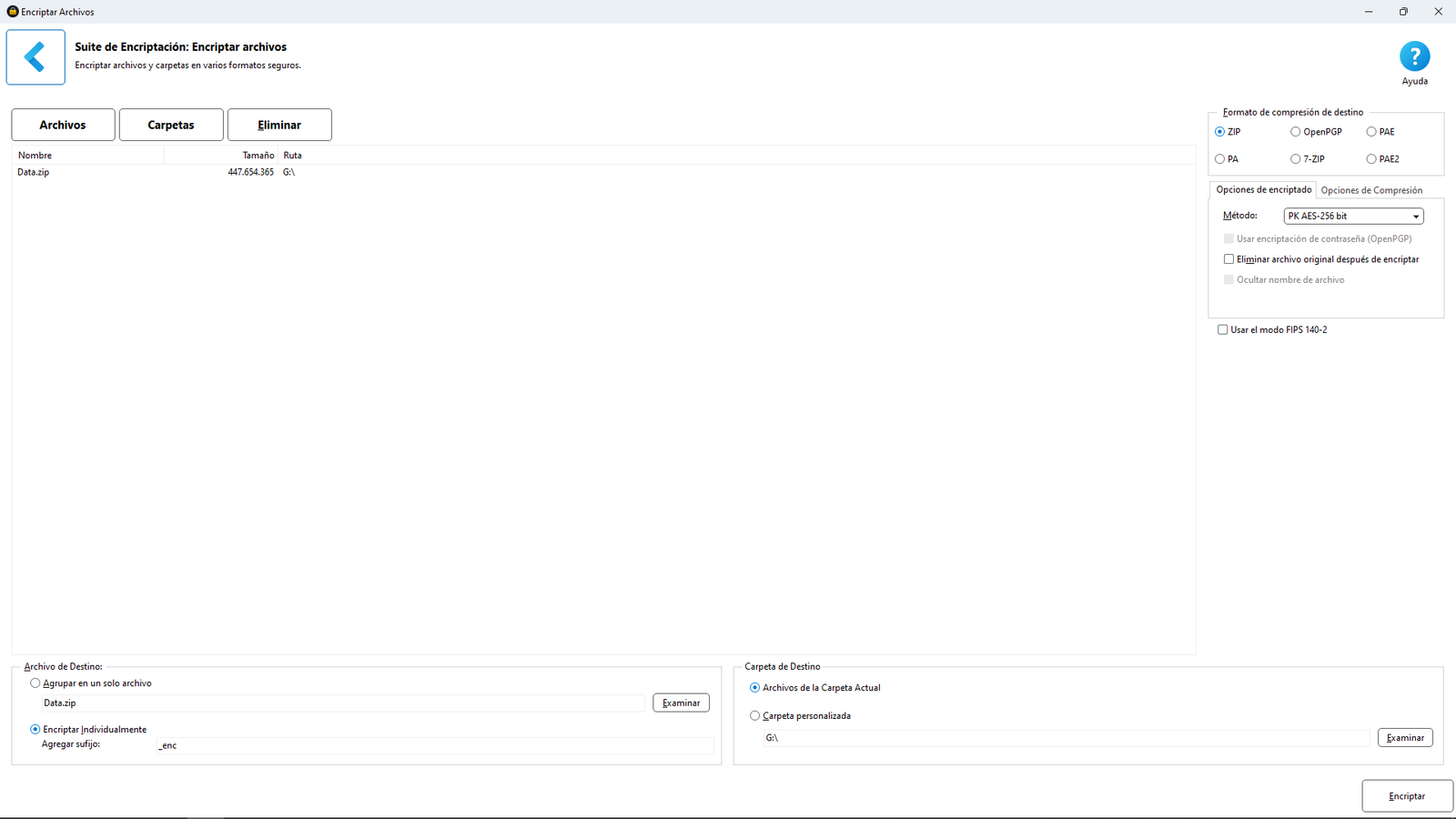
Secure your files with FIPS 140-2 256-bit AES encryption for maximum protection. Encrypt your office documents and PDFs to preserve data integrity before and after you’ve sent them. The software even supports the popular OpenPGP standard so you’ll always have the most up-to-date technology!
Ashampoo ZIP Script
The total backup solution: Back up your files and folders instantly and with maximum space savings. Store your files in the cloud, on FTP servers, in your home network or in multiple locations at once—and automatically, thanks to full Windows Scheduler support!
Ashampoo file explorer
Windows Explorer is great but not ideal for working with file archives. Try our Windows Explorer alternative! You’ll love the split-pane view, ZIP features and built-in support for over 60 formats. Whether you need to move, send or burn files, our file explorer has got you covered!
Ashampoo cloud browser
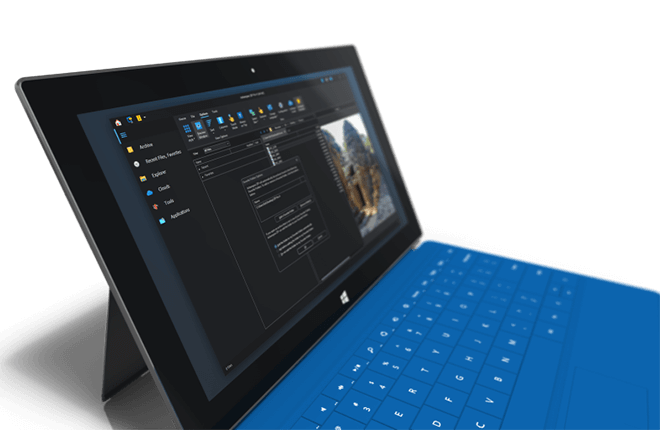
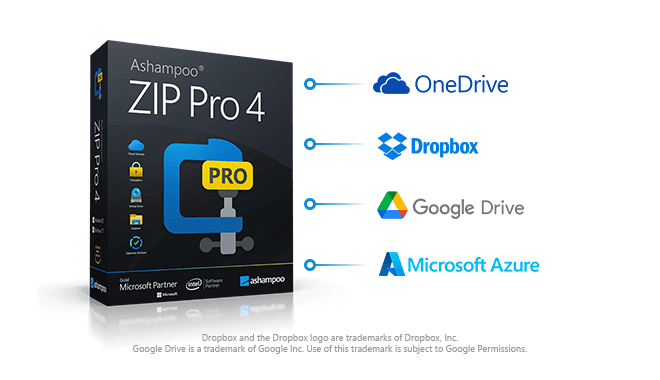
The comfortable way to access your clouds: Ashampoo ZIP Pro supports always up-to-date cloud files without the need for additional software! Access Azure, Dropbox, GoogleDrive, OneDrive and many others. Compress your files and upload them comfortably to the cloud service of your choice.
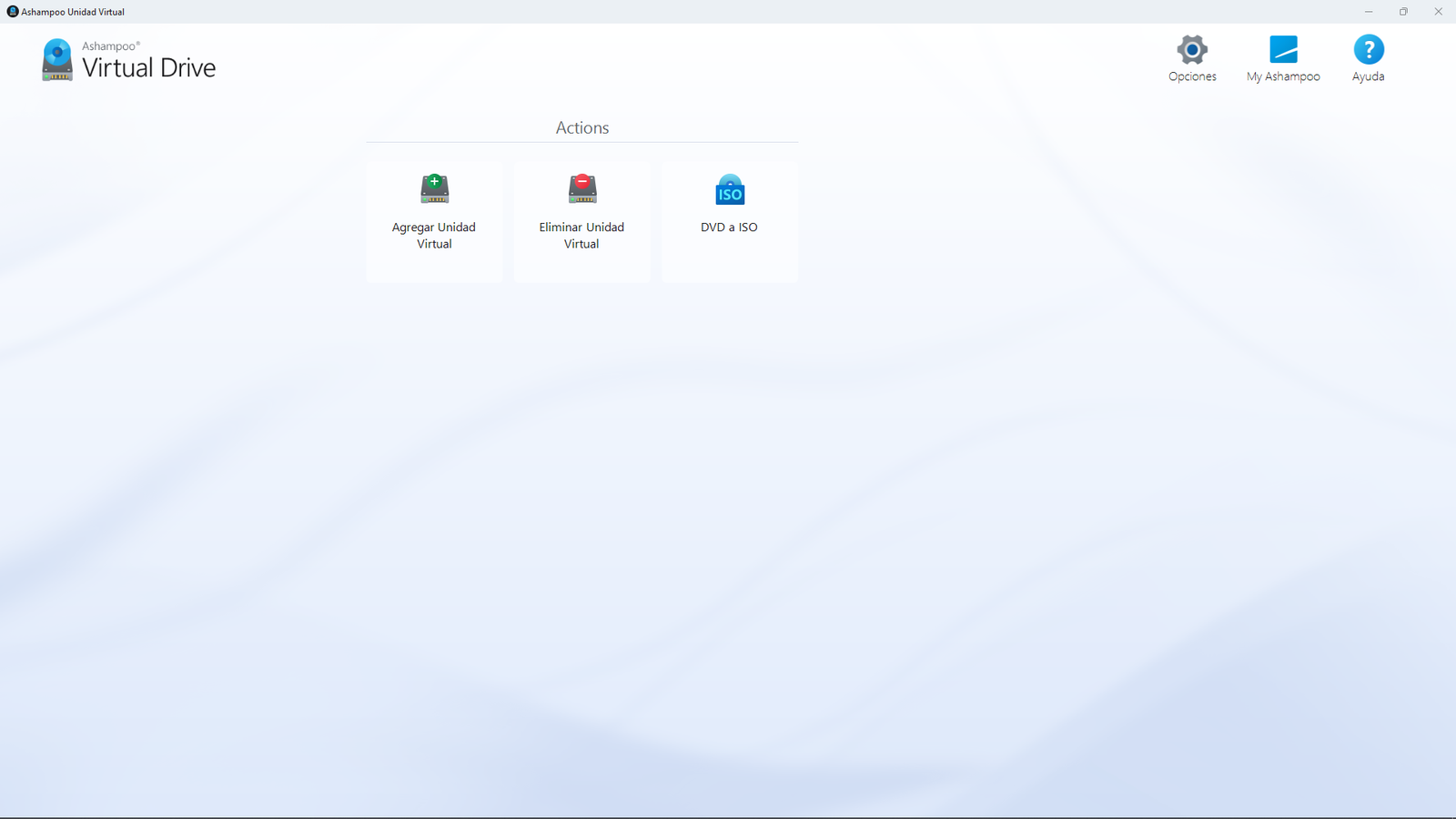
Ashampoo virtual drive
Mount your ISO disc images as virtual drives and access your data instantly and without the need for extraction or additional software! Working with disc images couldn’t be any easier. What other archive software is this versatile?
Compress files at record-breaking speeds
Ashampoo ZIP Pro sets new standards in compression gains! The program automatically picks the best codec for any given file type and achieves up to 70% better compression than the competition, even outclassing market leaders when it comes to PDF, DOCX and PNG files.
Frequently asked questions
What is Ashampoo ZIP Pro?
Ashampoo ZIP Pro is a powerful compression and archiving software for Windows. It supports over 60 formats, encrypts files, integrates with Windows, and includes many professional features.
Which archive formats can the program open and create?
Ashampoo ZIP Pro supports formats like ZIP, RAR, 7-Zip, TAR, CAB, ISO, and many more. It can extract, create, and convert archives with ease.
Can I create encrypted archives with the program?
Yes. You can protect ZIP and 7-Zip archives with strong AES-256 encryption and secure them with a password.
What’s the difference between ZIP FREE and ZIP Pro?
The Pro version offers many advanced features: cloud integration, Office support, self-extracting archives (SFX), volume splitting, repair tools, file previews inside archives, and extensive automation options.
Is Ashampoo ZIP Pro suitable for business use?
Yes. With full Windows integration, Office support, encryption, and batch processing, the software is ideal for professionals and corporate environments.
Does the program support cloud services?
Yes. You can connect directly to cloud platforms like Dropbox, Google Drive, OneDrive, Box, and others to compress or extract files.
What is the ZIP Script module?
The ZIP Script module allows you to create automated workflows for compression and backup – perfect for recurring tasks.
Can I repair damaged ZIP files?
Yes. The program includes a repair tool that analyzes and restores damaged ZIP archives whenever possible.
What kind of user interface does the program offer?
Ashampoo ZIP Pro features a modern, Microsoft Office-style interface with an intuitive ribbon menu.
Can the program be integrated into Windows Explorer?
Yes. You can create, extract, or encrypt archives directly from the Windows Explorer context menu – without opening the main application.



Reviews
There are no reviews yet.