
Keep drivers up to date–safe, automatic, reliable
The latest driver updates daily for your Windows system!
Are you relying on Windows for your updates? You may want to reconsider! For example, proviede hardware drivers are often outdated, if provided at all. Ashampoo Driver Updater selects and installs the right drivers for your system fully automatically. It’s the safe way to keep your Windows system always up to date.
Optimal performance through up-to-date drivers!
- More than 400,000 drivers available
- Over 150,000 devices supported
- Maximum system stability
Always up-to-date drivers–fully automatically
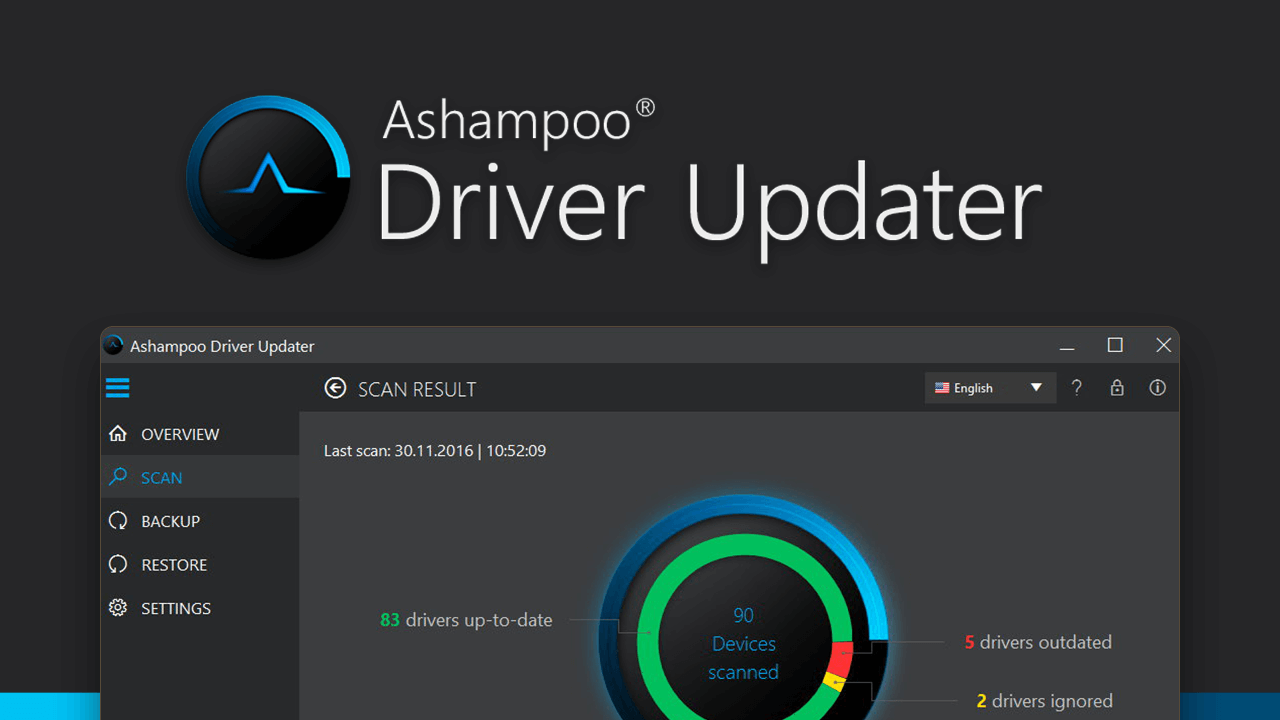
Windows often installs drivers only partially or fails to keep them up to date. Ashampoo Driver Updater analyzes your system, detects outdated or missing drivers, and compares them against a massive driver database. Suitable updates are installed automatically, no manual digging through menus or searching required.
During my training days, I discovered that Windows doesn’t always provide the most up-to-date drivers for every system component. This means some devices might not perform at their best since generic drivers are functional, but not optimal. Driver Updater fixes exactly that, which is why it runs on all my Windows machines.

Major 2026 update!
The 2026 major update makes Ashampoo Driver Updater one of the safest solutions for driver updates on Windows. System modifications are now consistently tracked and transparently documented. Automatic full backups before the first scan, a detailed installation history, and reliable rollback features ensure that driver updates are both convenient and risk-free. This keeps your system safely up to date at all times.
- Full control with installation history & rollback
- Automatic driver backups for maximum safety
- Built-in schedulerfor fully automated updates
- Reliable driver recovery in case of issues
- Direct access to Windows updates
Maximum stability and optimal performance
Up-to-date drivers are essential for a stable and fast system. Crashes, graphics issues, sound problems, or poor performance are often caused by outdated or faulty drivers. Especially in games and graphics-intensive applications, up-to-date drivers deliver maximum performance and unlock the full power of your hardware when it matters most.
The remedy for common Windows ailments
Wi-Fi dropouts, crackling audio, unrecognized devices, or limited functionality are widespread issues. Often, Windows default drivers fail to unlock the full potential of your hardware. Ashampoo Driver Updater replaces these fallback drivers with full-featured, up-to-date versions and ensures everything works as it should.
Perfect for Windows 11
Modern Windows versions place high demands on hardware and drivers. Ashampoo Driver Updater reliably detects installed components and finds suitable Windows 11 drivers in no time, even when upgrading from Windows 10. You won’t need to deal with device names or manufacturer websites because the program will do it for you.
Transparent installation history and rollback
Every driver installation is logged in great detail, creating a full version history. This way, you can review all modifications and revert to a previous version at any time.
Safe and secure auto-backup and recovery
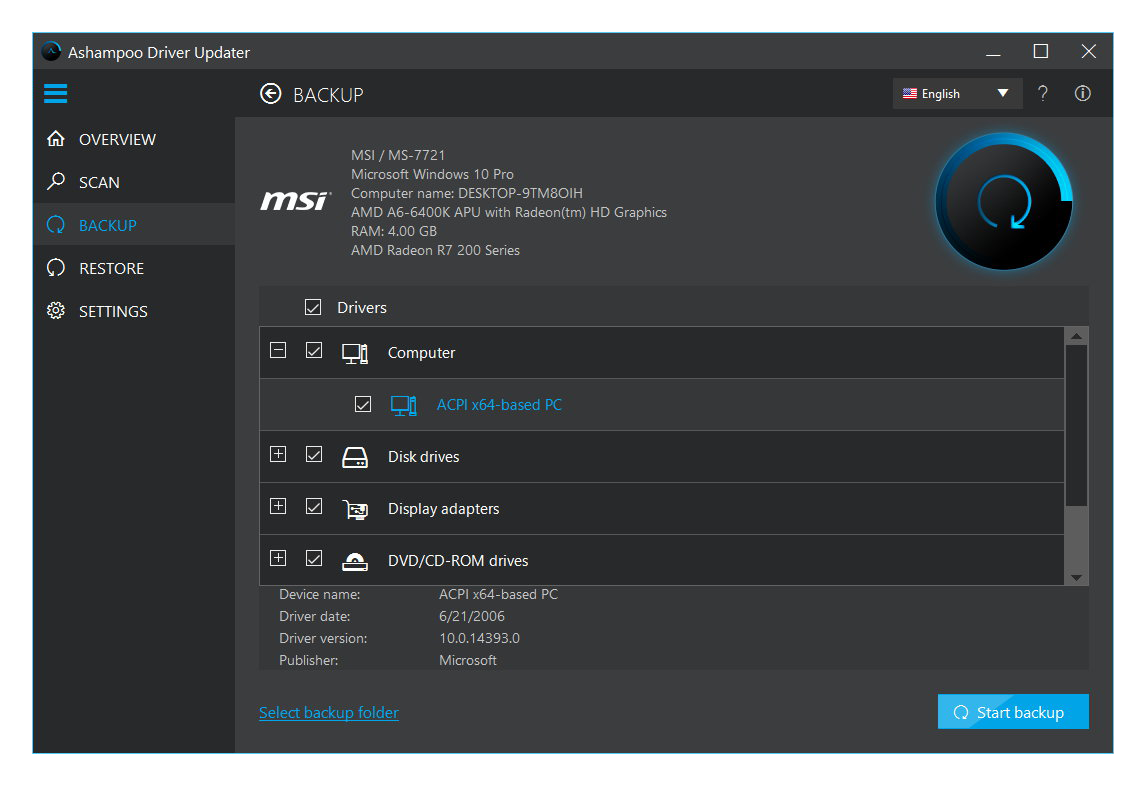
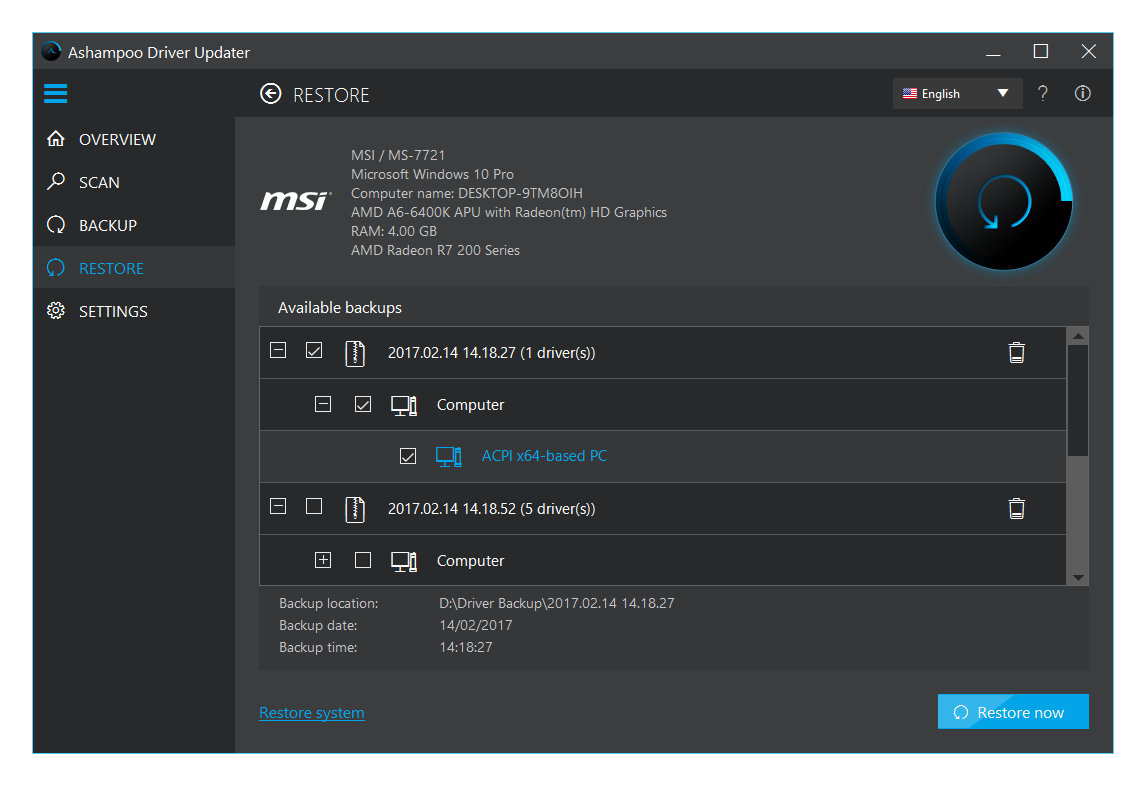
During the initial scan, Ashampoo Driver Updater creates a full backup of all existing drivers and creates a Windows restore point. Enhanced verification and recovery routines ensure safe driver installations and rollbacks even in the event of unexpected issues.
Windows integration and fully automated updates
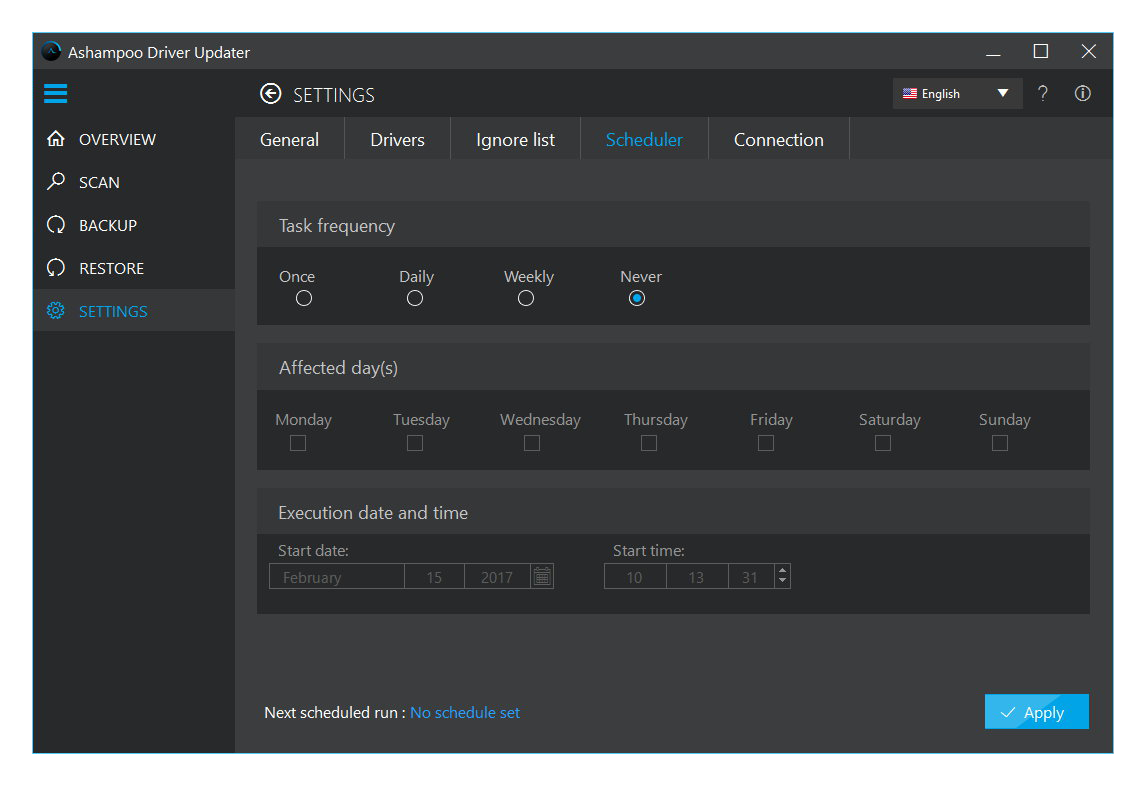
Ashampoo Driver Updater features direct access to Windows’ own driver and system updates and lets you prioritize them for maximum compatibility. The built-in update scheduler handles driver checks and updates fully automatically so you don’t have to do a thing.
Secure driver installations
Driver updates need to be managed carefully to ensure safety. Ashampoo Driver Updater handles this by logging every installation, creating automatic backups, and enabling you to easily revert to previous versions if necessary.
Frequently asked questions
What is Ashampoo Driver Updater?
Ashampoo Driver Updater is a Windows program that automatically detects and updates outdated, missing, or faulty device drivers – ensuring improved stability, performance, and compatibility.
Why are up-to-date drivers important?
Outdated drivers can lead to crashes, hardware malfunctions, or performance loss. Updated drivers fix bugs, improve system compatibility, and boost hardware performance – especially for graphics and network components.
How does the program work?
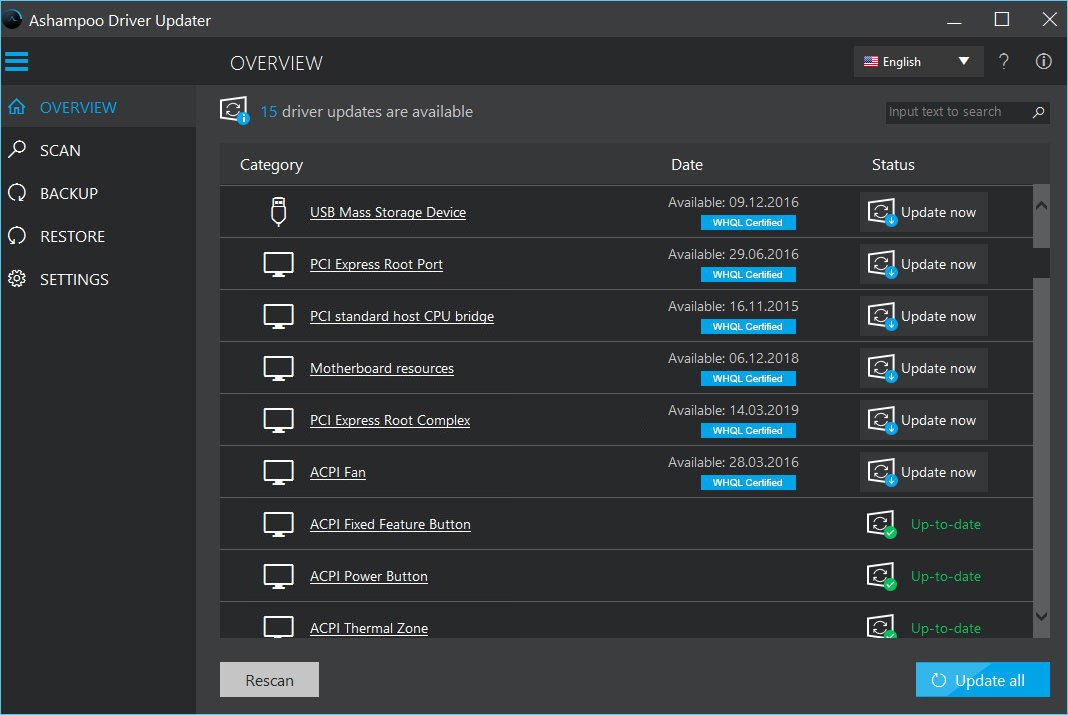
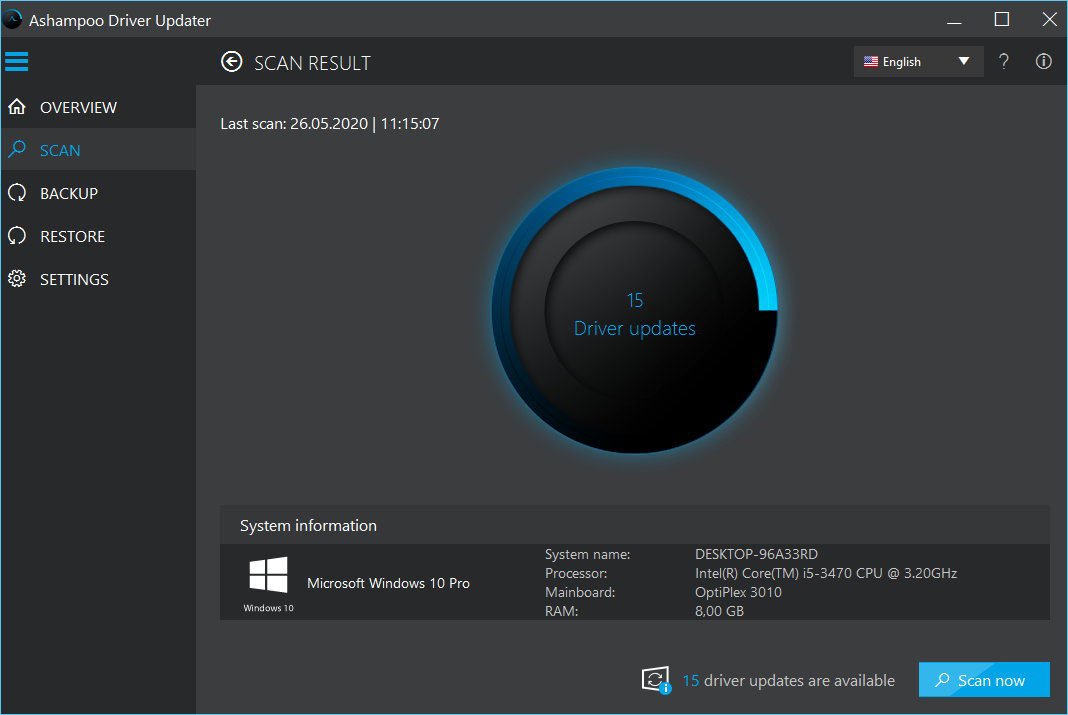
The tool scans your system and lists all outdated or missing drivers. You can then update all or selected drivers with just one click.
Is it safe to use?
Yes. Ashampoo Driver Updater uses verified drivers from official manufacturers and offers optional backup creation before making any changes.
Can I update drivers manually?
Yes. You can choose which drivers to update. The program shows a clear list with version info and update suggestions for each device.
Will my PC become faster?
In many cases, yes – especially with updated graphics, sound, or network drivers. New drivers can optimize performance and fix compatibility issues.
Does the program offer backup and restore options?
Yes. You can create a backup of your current drivers before any update and restore it later if needed.
How often should I check for driver updates?
It’s recommended to scan regularly (weekly or monthly) to keep your system stable and secure. The software can automate this process if desired.
Which Windows versions are supported?
Ashampoo Driver Updater supports Windows 11, 10, and 8.1 – both 32-bit and 64-bit systems.



Reviews
There are no reviews yet.