






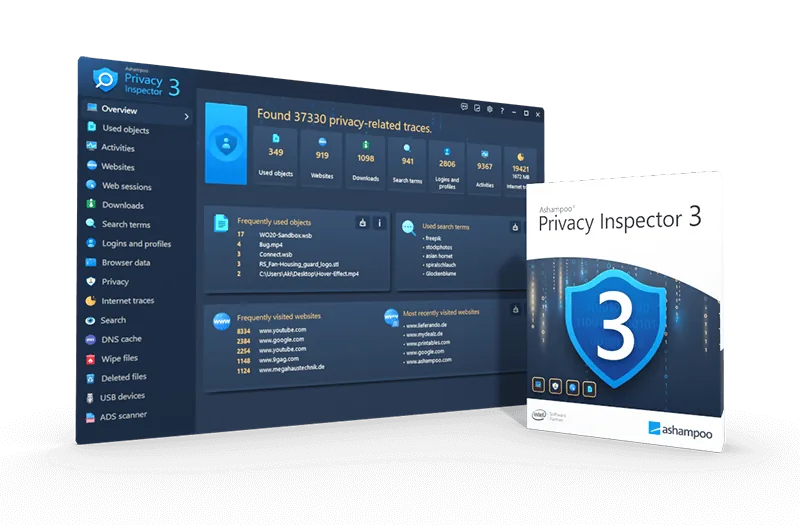
Ashampoo Privacy Inspector 3: Windows Privacy Tools
Browsing can leave temporary files, cookies, and activity records on your PC. If you want to clear your browsing history and review what Windows stores, Ashampoo Privacy Inspector 3 brings those controls together.
Why Choose Privacy Inspector 3?
Use it to clear your browsing historyand find activity records left behind by Windows apps.
Privacy Inspector 3 Compared
| Feature | Ashampoo Privacy Inspector 3 | Free Software | Professional Software |
| Activity Scanning | Detailed | Often limited | Varies |
| History Cleanup | Advanced | Typically basic | Varies |
| Automation | Available | May be unavailable | Varies |
| Technical Support | Available | May be unavailable | Varies |
Key Privacy Features
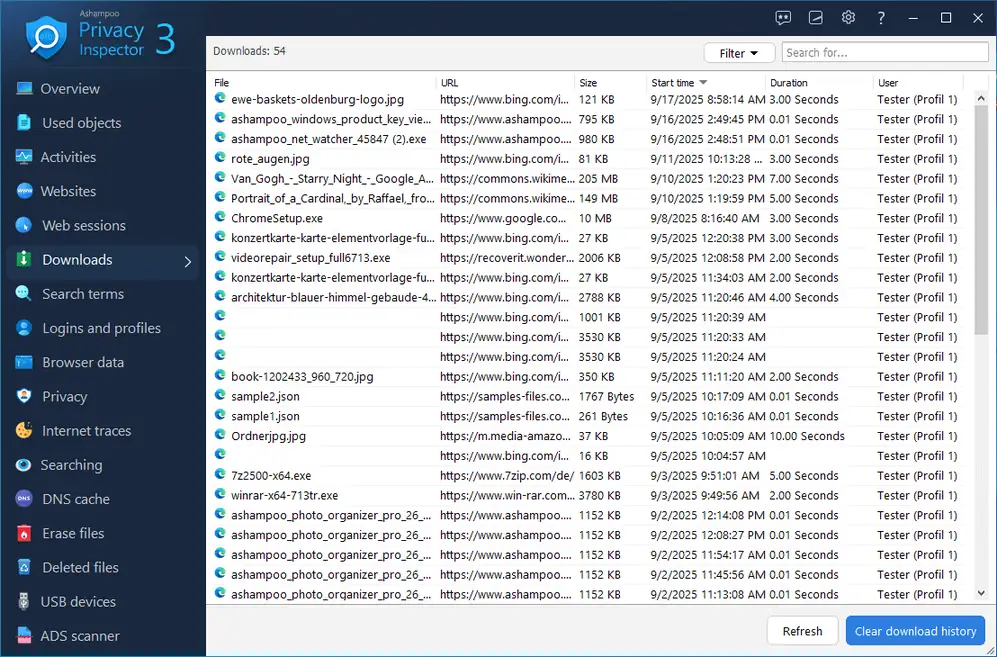
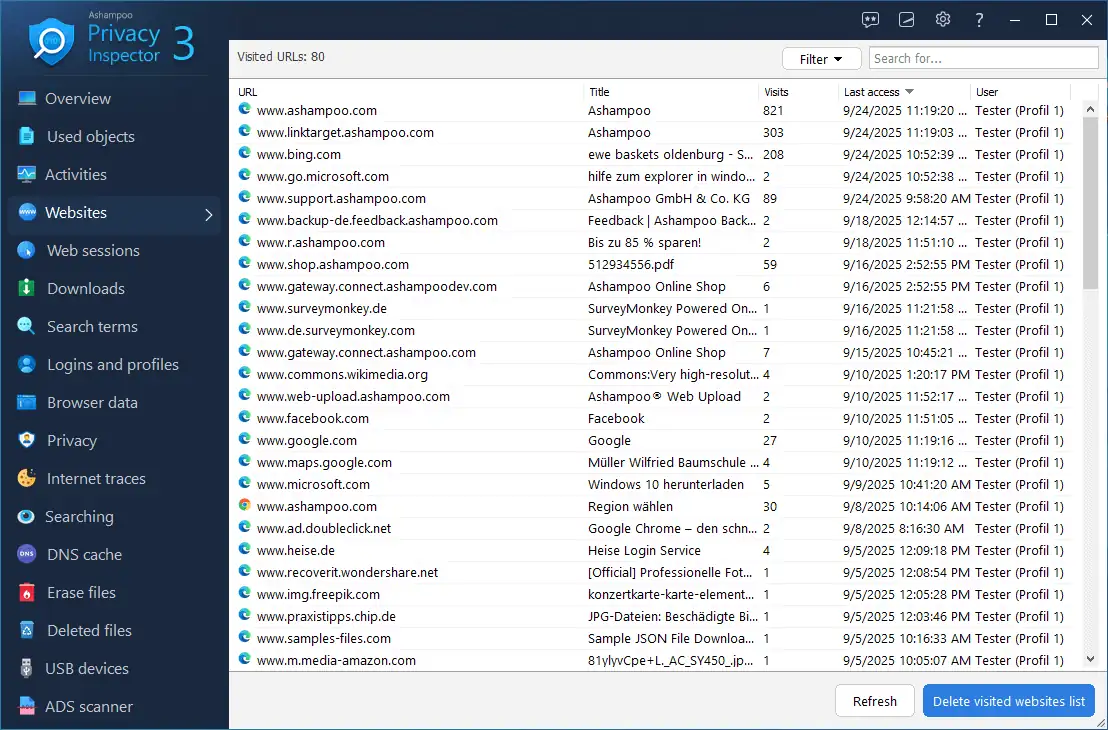
Activity review: See which websites you visited and which files you downloaded.
App activity cleanup: Review logs from installed apps as well as browser data.
Windows privacy controls: Adjust Windows telemetry and data-sharing settings.
What You Can Do With Privacy Inspector 3
Clear browsing history: Remove selected browsing records and other traces from your PC.
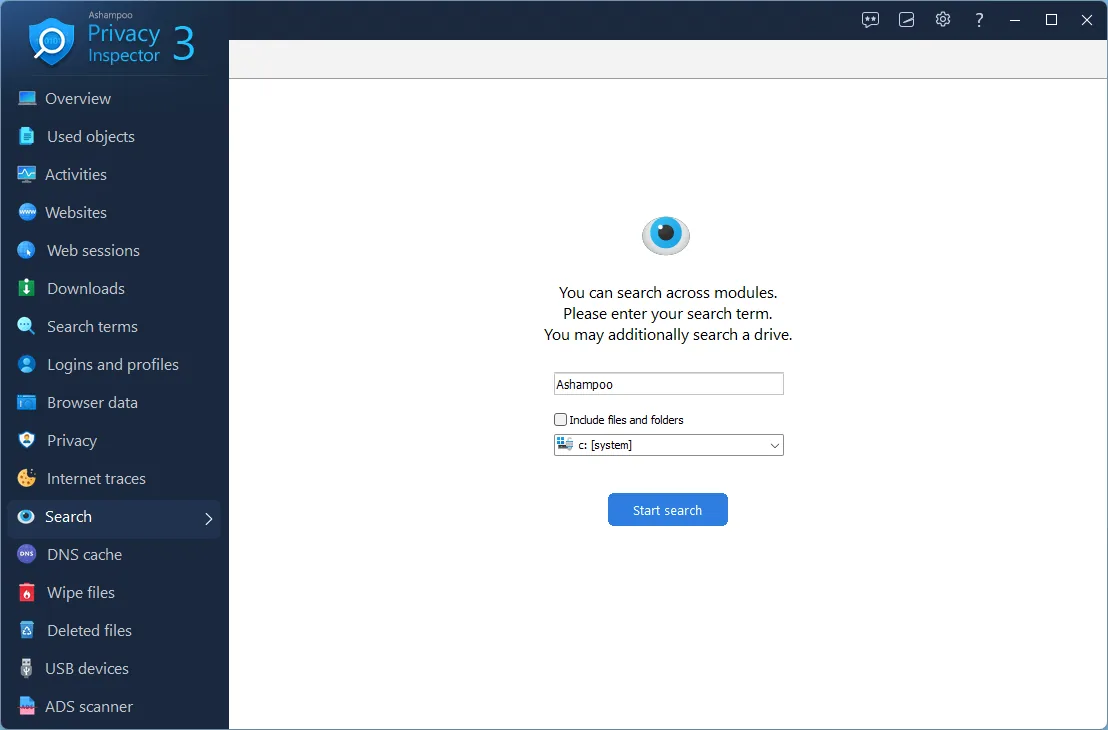
Search for keywords, folders, and files: Search across relevant categories to find specific items quickly.
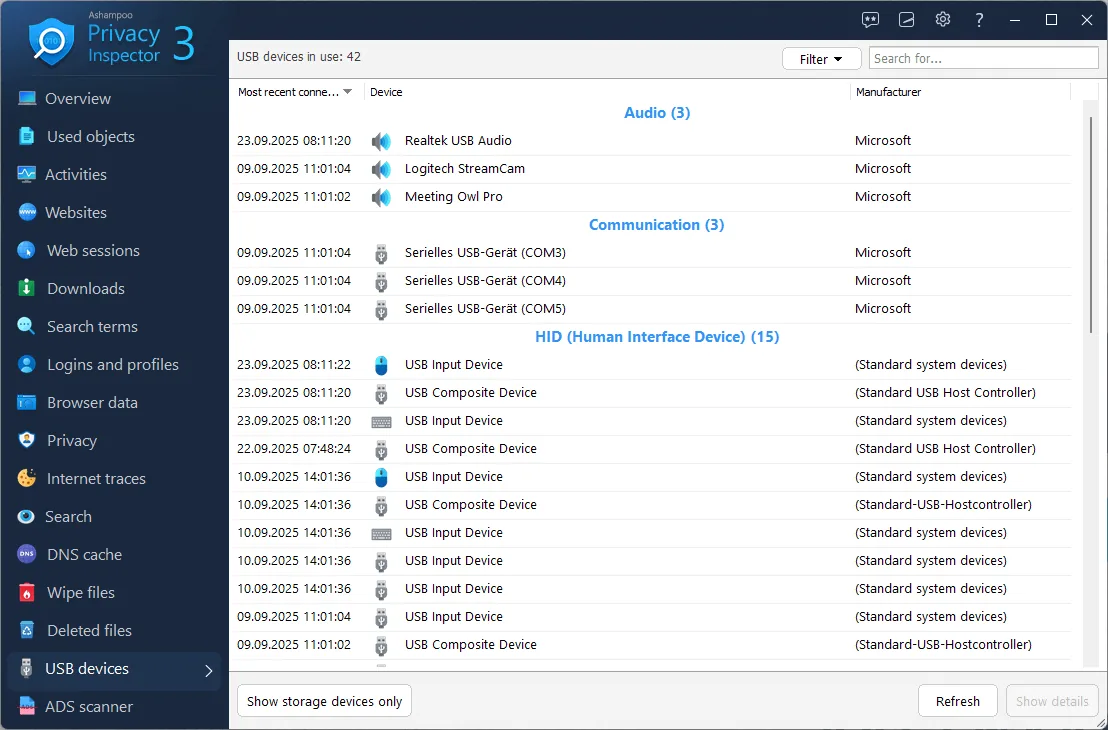
Review USB device history: See which USB drives and other devices have connected to your PC, including when they were first and last connected.
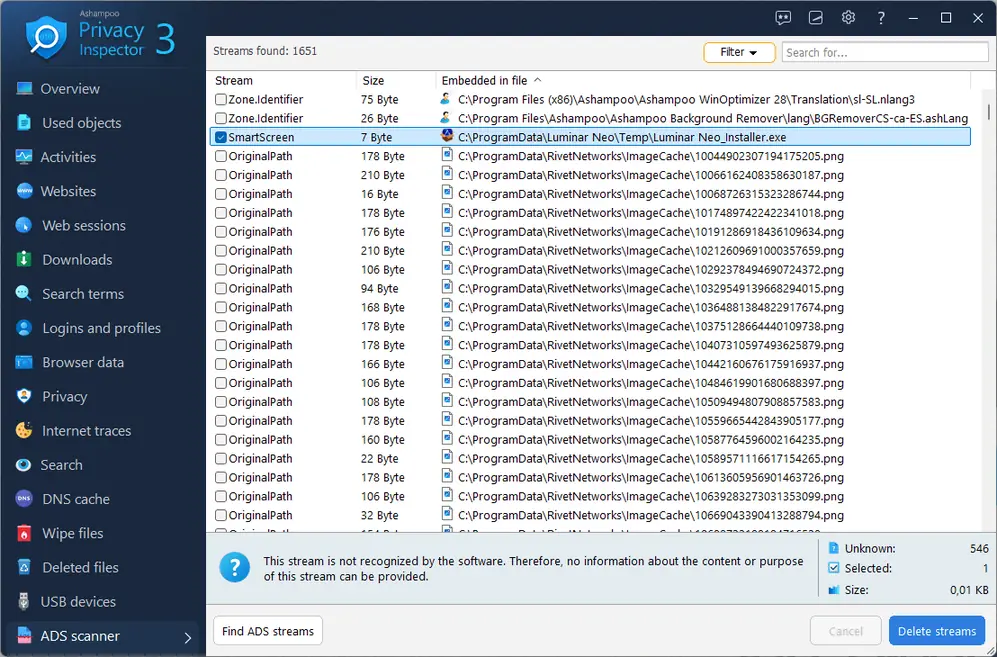
Find alternate data streams with the ADS scanner: Detect hidden data streams attached to files, including information added during downloads or by Windows.
View and clear the DNS cache: Review and remove cached DNS records for websites you’ve visited.
Manage data and system privacy: Review privacy settings for Windows, apps, and browsers in one place.
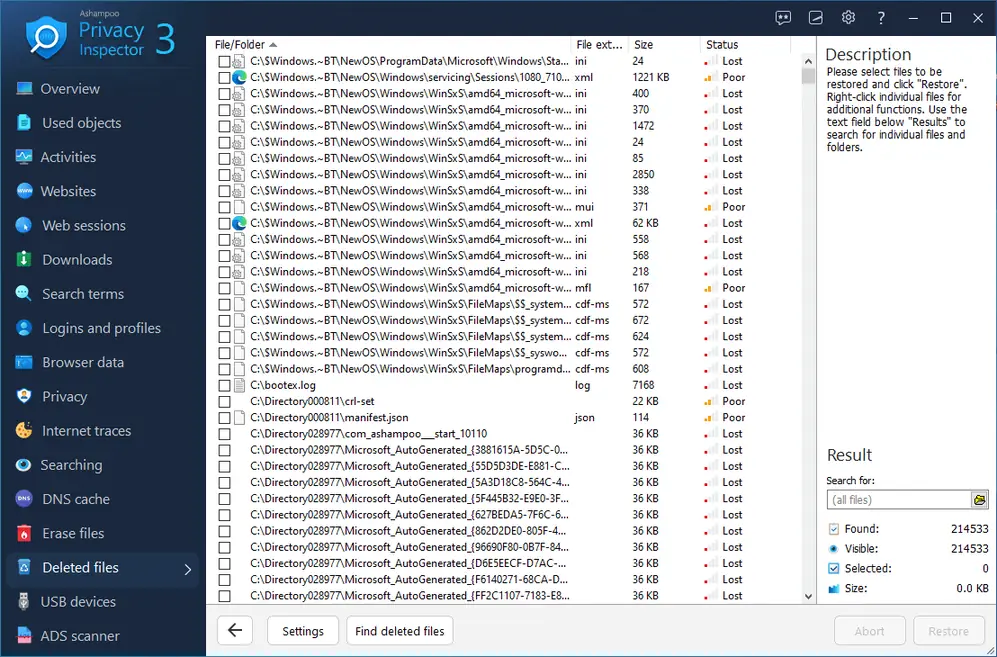
Recover deleted files: Select a drive to look for deleted files and try to recover them individually.
What’s Included With Ashampoo Privacy Inspector 3?
Your license includes these privacy and cleanup tools:
A dashboard for reviewing browsing activity.
Secure deletion tools for selected files.
A scheduler for automatic cleanup.
Advanced controls for managing temporary files.
More Tools for Your PC
For additional control over your camera and microphone, explore WebCam Guard to manage both devices from one place.
Frequently Asked Questions
Can Ashampoo Privacy Inspector 3 help protect my privacy on a PC?
Yes. It helps you review and remove activity records, browsing history, and sensitive data stored on Windows.
What information can it help me review?
You can review browsing history, downloads, searches, form data, system activity, the DNS cache, and connected USB devices.
Can it remove digital traces and sensitive data?
Yes. It includes tools for clearing internet activity and securely deleting selected files.
What does the ADS scanner do?
It detects alternate data streams attached to files so you can review information that isn’t normally visible.
Can I see which USB drives or devices have connected to my PC?
Yes. The USB history shows devices that have connected to your PC.
Does it work with Chrome, Edge, and Firefox?
Yes. The product lists support for Chrome, Edge, and Firefox.
Can I review the DNS cache and download history?
Yes. It includes a DNS cache module and lets you review download history.


Reviews
There are no reviews yet.