

BACKUPS · PRIVACY · PROTECTION
Security and Privacy Software for Windows
Protect your files and manage your privacy with genuine Windows software. Back up data, review stored activity, and control access to your webcam and microphone.
Find the Right Tool for Your PC
Explore backup, privacy, and device control tools. Check each product page for features, requirements, and license terms.
Start with what you need to protect: your files, personal data, or PC privacy. Check each tool’s features, Windows compatibility, and license terms before you buy. Keep Windows updated, use unique passwords, and back up important data regularly.

Why Use Security Software?
Protect Your Files
Keep copies of important files so you can recover them when needed.
More Control Over Your Privacy
Review what personal data your PC stores and shares.
Automatic Backups
Schedule backups and test that you can restore them.
Webcam and Microphone Control
Disable access to these devices when you’re not using them.
Choose the Protection You Need
Combine tools based on the risks you want to address.
Tools to Protect Your PC
Back up files, review privacy settings, or control access to your webcam. Choose a tool based on what you need to protect.
How to Choose the Right Software
Compare backup, privacy, and device controls based on how you use your PC. To detect and block malware, use an antivirus solution.
| What Do You Need to Do? | Recommended Software |
|---|---|
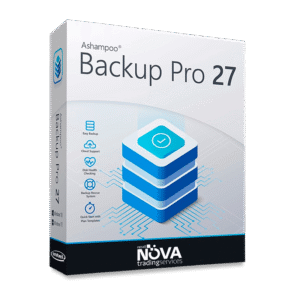
| Back up files and your system | Backup Pro 27 |
| Review stored activity and privacy data | Privacy Inspector 3 |
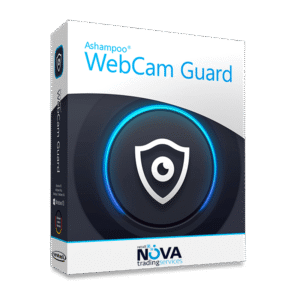
| Control your webcam and microphone | WebCam Guard |
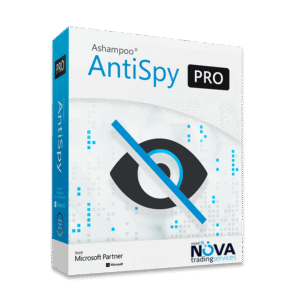
| Manage Windows telemetry | AntiSpy Pro |
| Explore antivirus options | Check availability |
Why Buy Genuine Security Software?
Choose official licenses from established vendors. Check support, update terms, and system requirements for each version.
Genuine software helps you avoid the risks of modified or unsupported installers. Combine it with regular backups, strong passwords, and careful use of your PC.

Learn More About Digital Security
Digital Security FAQs
What is security software?
Security software helps protect a computer, its files, and its users’ privacy. It can include antivirus, backup, device controls, and privacy tools. Each app serves a different purpose. A privacy tool does not replace antivirus software.
What’s the difference between antivirus and security software?
Antivirus focuses on detecting and blocking malware. Digital security also covers backups, privacy, and device control. Check each product’s features to see what it protects.
How do I choose the right security software for my PC?
Start with what you need to protect: files, Windows privacy, or access to your camera and microphone. Check each tool’s features and requirements and choose tools that work together.
Why should I back up my files?
A backup can help you recover files after hardware failure, accidental deletion, or data loss. Keep backups up to date, store a copy separately from your PC, and test that you can restore it.
Why buy genuine security software?
An official license lets you use the software legitimately and access support and updates included in its terms. Check the Windows requirements and what each license covers before you buy.
Who can benefit from digital security software?
Anyone who stores important information on a PC can benefit, including students, professionals, creators, small businesses, and home users. The right tools depend on your device, your data, and how you work.
Protect Your PC and Your Files
Find the right tools to back up your data and manage your privacy.
You can also browse System Utilities, Productivity and all products.