




DENOISE #6: AI Noise Reduction for Photos
Ever opened an otherwise great photo and noticed distracting digital grain? Removing photo noise doesn’t have to take hours. With DENOISE #6, you can reduce grain and bring back clarity in your shots.
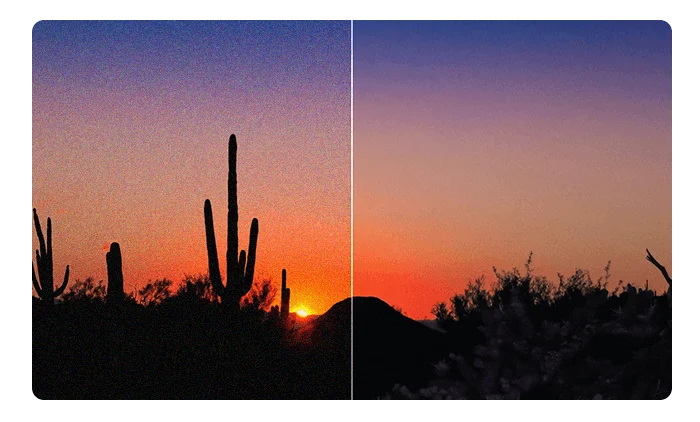
Why Reduce Photo Noise?
Digital noise is common in low light and at high ISO settings. When you remove photo noise with DENOISE #6, you can clean up the image while keeping the details that matter.
The goal is to get cleaner results with less manual work. That’s especially useful for portraits, night photography, and events where fine details matter.
Selective Noise Reduction
The AI engine analyzes the structure of each image and applies noise reduction selectively. This helps preserve skin texture and architectural details. Use DENOISE #6 to remove photo noise while keeping a natural finish.
How DENOISE #6 Compares
| Feature | DENOISE #6 | Free Software | Other Professional Software |
| AI Algorithm | Advanced and selective | Basic or global | Standard |
| Detail Preservation | Excellent | Limited | Good |
| RAW Workflow | Fast, native support | Unavailable | More complex |
| Resource Use | Optimized | High | Very high |
Features
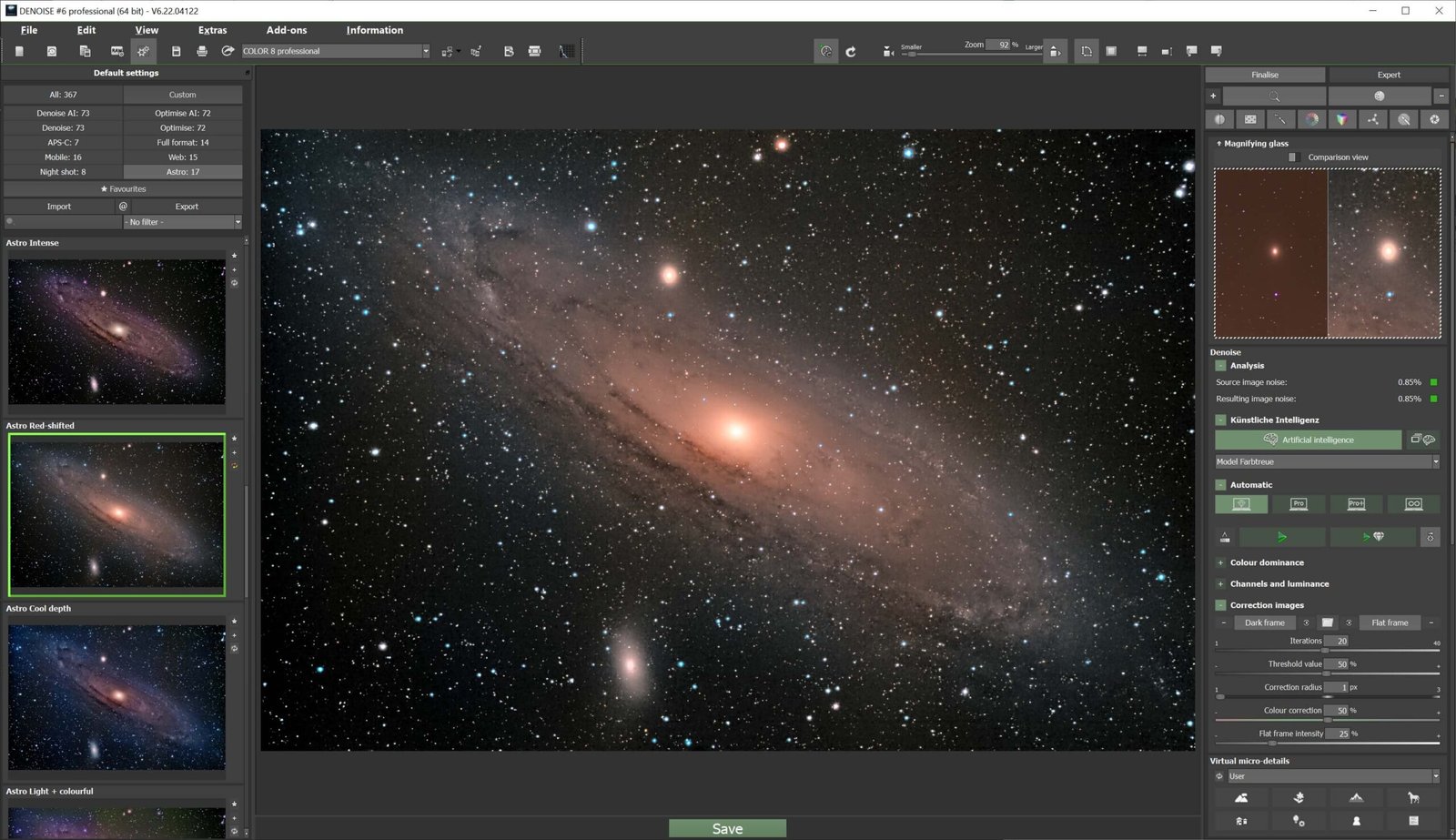
Specialized AI models: Multiple neural networks handle different types and levels of image degradation.
Adaptive automation: The software analyzes your image and automatically applies an appropriate correction.
Selective noise reduction: Use an edge-aware brush to remove photo noise only in the areas you choose.
Expert mode: Fine-tune your images with up to 152 advanced photo filters.
Broad RAW support: Develop RAW files directly from more than 1,300 DSLR and mirrorless camera formats.
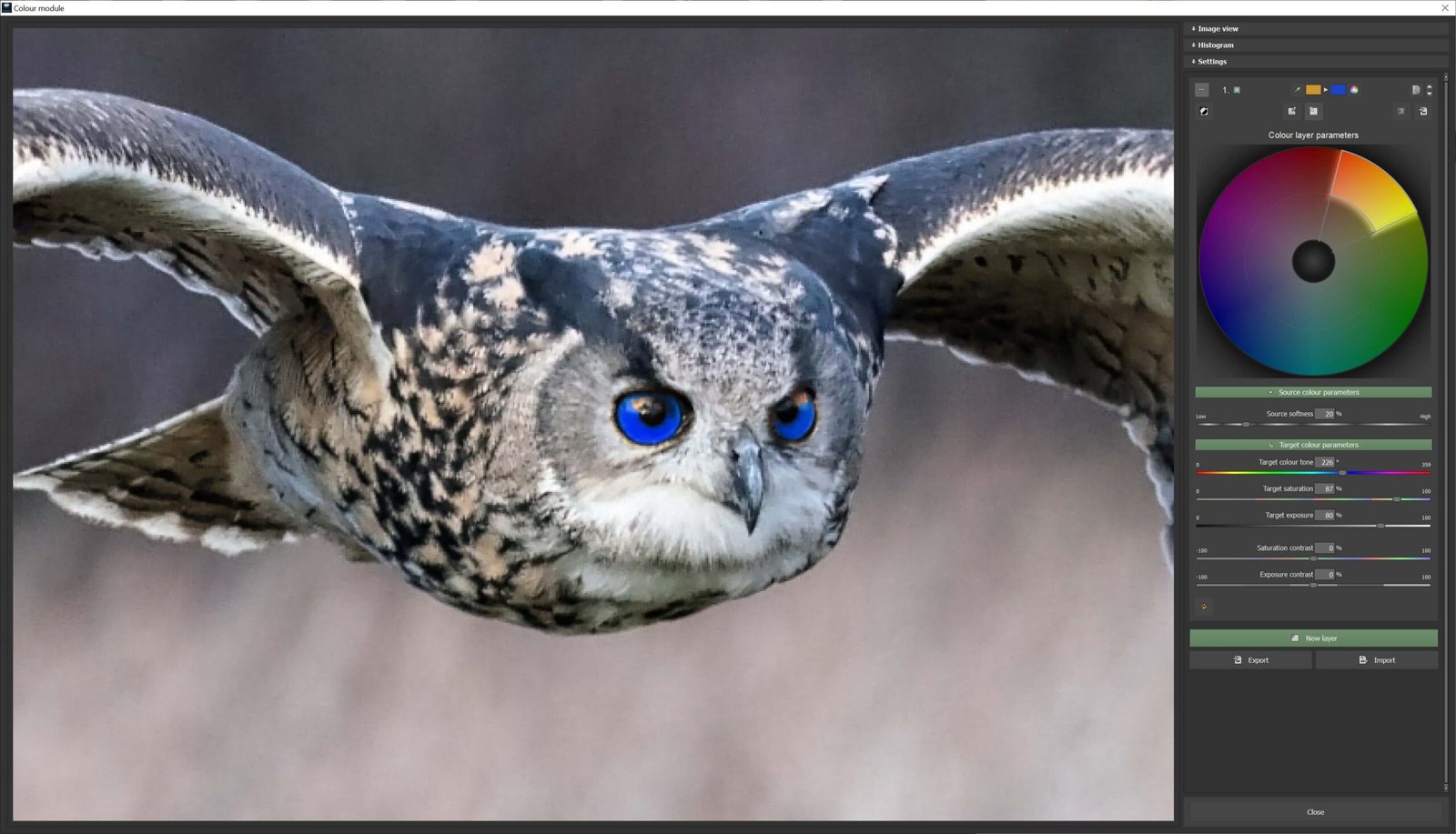
Built-in creative tools: Apply volumetric 3D lighting, multilayer color grading, and targeted sharpening.
Sensor corrections: Automatically correct dead pixels and remove dust spots from camera images.
Adaptive AI for Fast Noise Reduction
When you need to remove photo noisequickly, open your image and let the software analyze it. Automatic adjustments are useful for content creators, social media managers , and photographers who want a quick starting point without digging through technical settings.

Everyday and Professional Uses
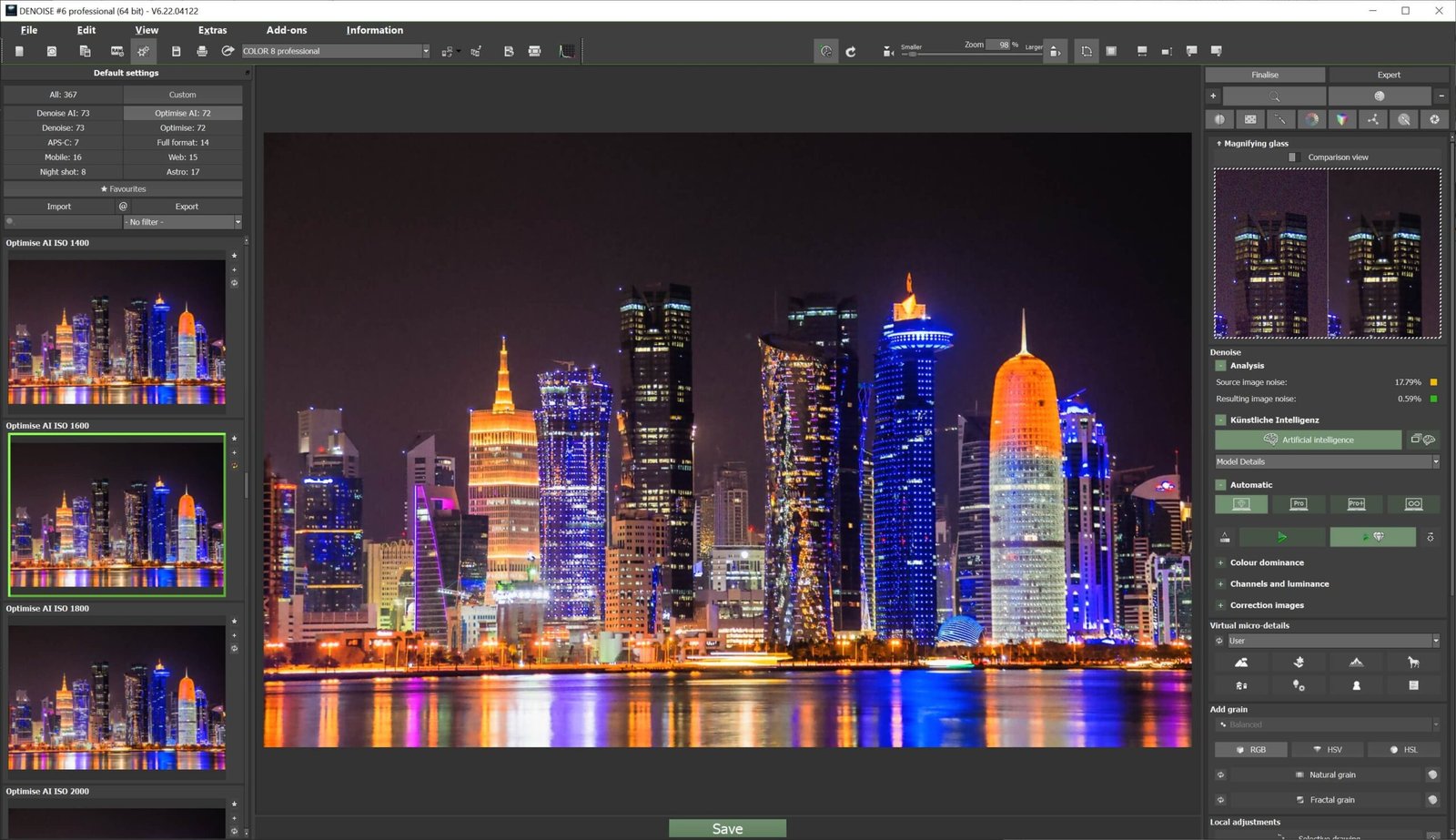
Night photography: Reduce grain in cityscapes taken after dark.
Low-light portraits: Clean up shadows while preserving natural facial detail.
Photo restoration: Improve scanned photos or files from older digital cameras.
For more ways to edit your photos, explore our multimedia editing software.
What’s Included With Your DENOISE #6 License?
Your license includes the following tools:
AI processing engine: Automatically detects patterns of digital noise.
RAW file processing: Work without altering the original image data.
Intuitive interface: Get started quickly with straightforward controls.
Regular updates: Maintain compatibility with new formats.
Spend Less Time on Manual Cleanup
Removing photo noise can help you prepare cleaner images for your portfolio or clients. DENOISE #6 handles much of the cleanup so you can spend more time on the edits that need your attention.
Frequently Asked Questions
What does Ashampoo DENOISE #6 do?
It automatically reduces digital noise and improves the look of your photos.
Can it improve photos taken in low light?
Yes. It is designed to reduce the noise that often appears in low-light photos.
Do I need photo editing experience?
No. The software is designed to be easy to use.


Reviews
There are no reviews yet.