
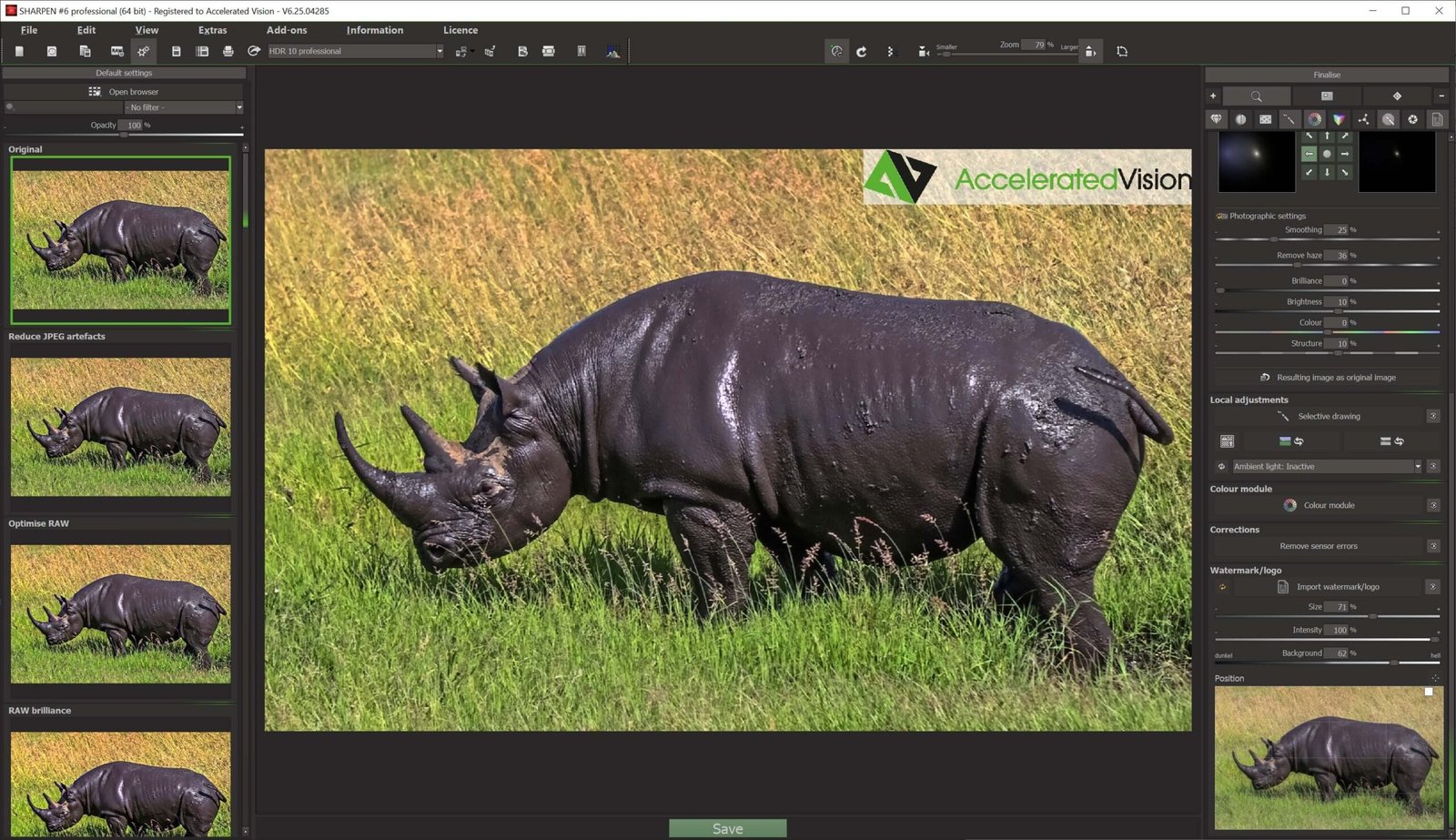
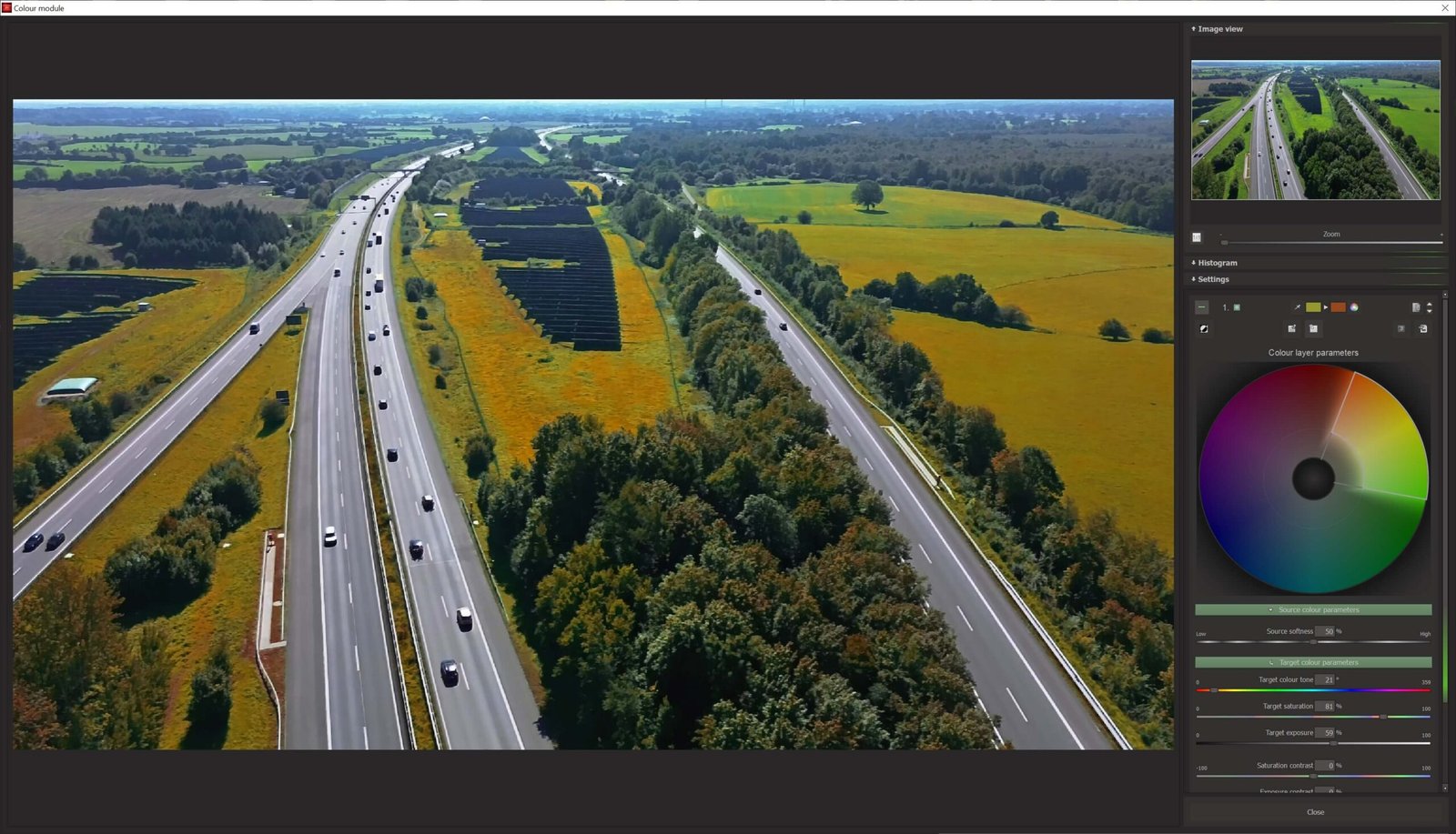
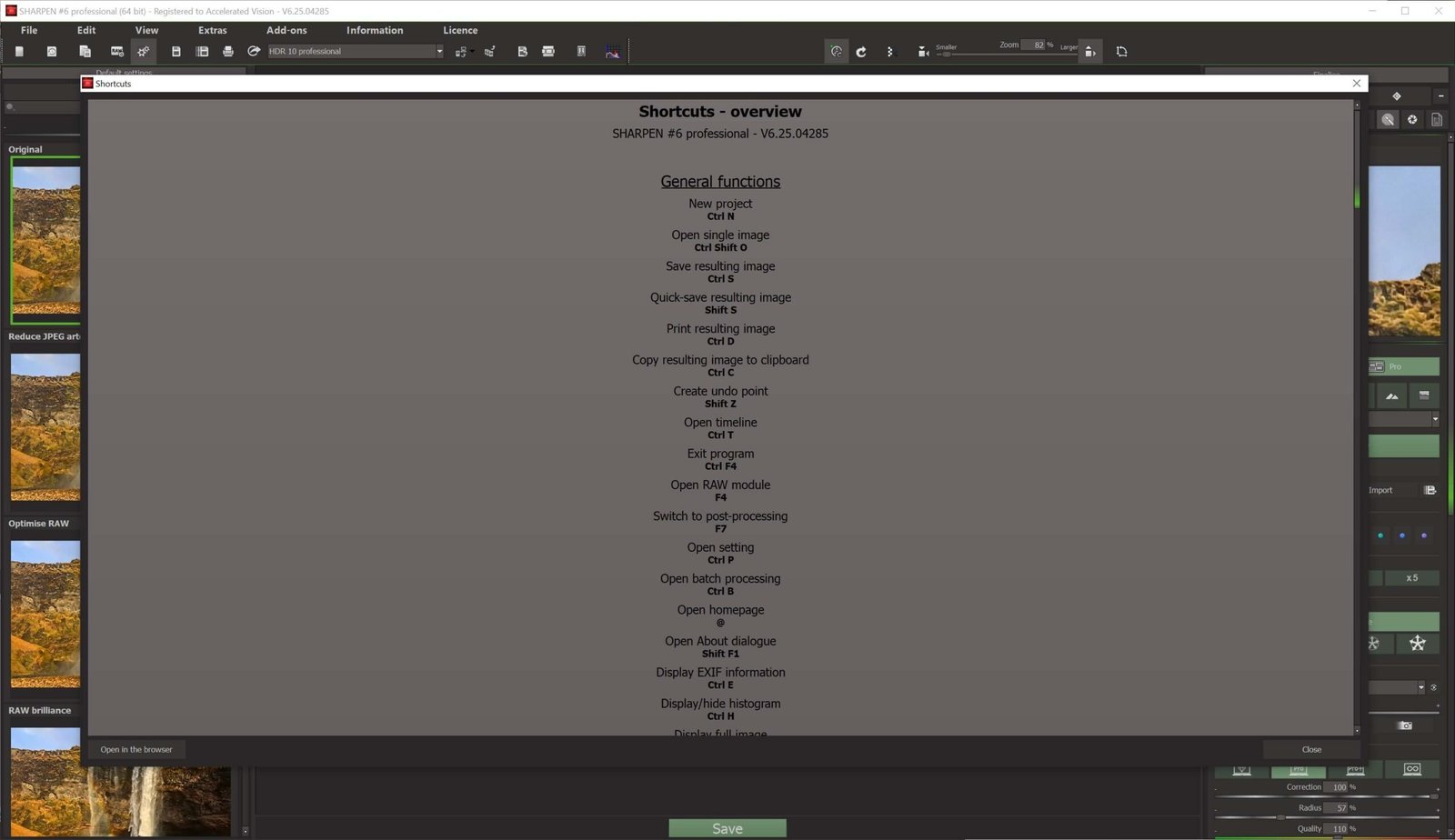
Professional Photo Sharpening Software: Ashampoo Sharpen #6
Ever taken a great photo only to find it slightly blurry? Learning how to enhance image quality with AI can help you save a shot you might otherwise discard. Ashampoo Sharpen #6 automates the process.
Bring blurry photos back into focus with AI
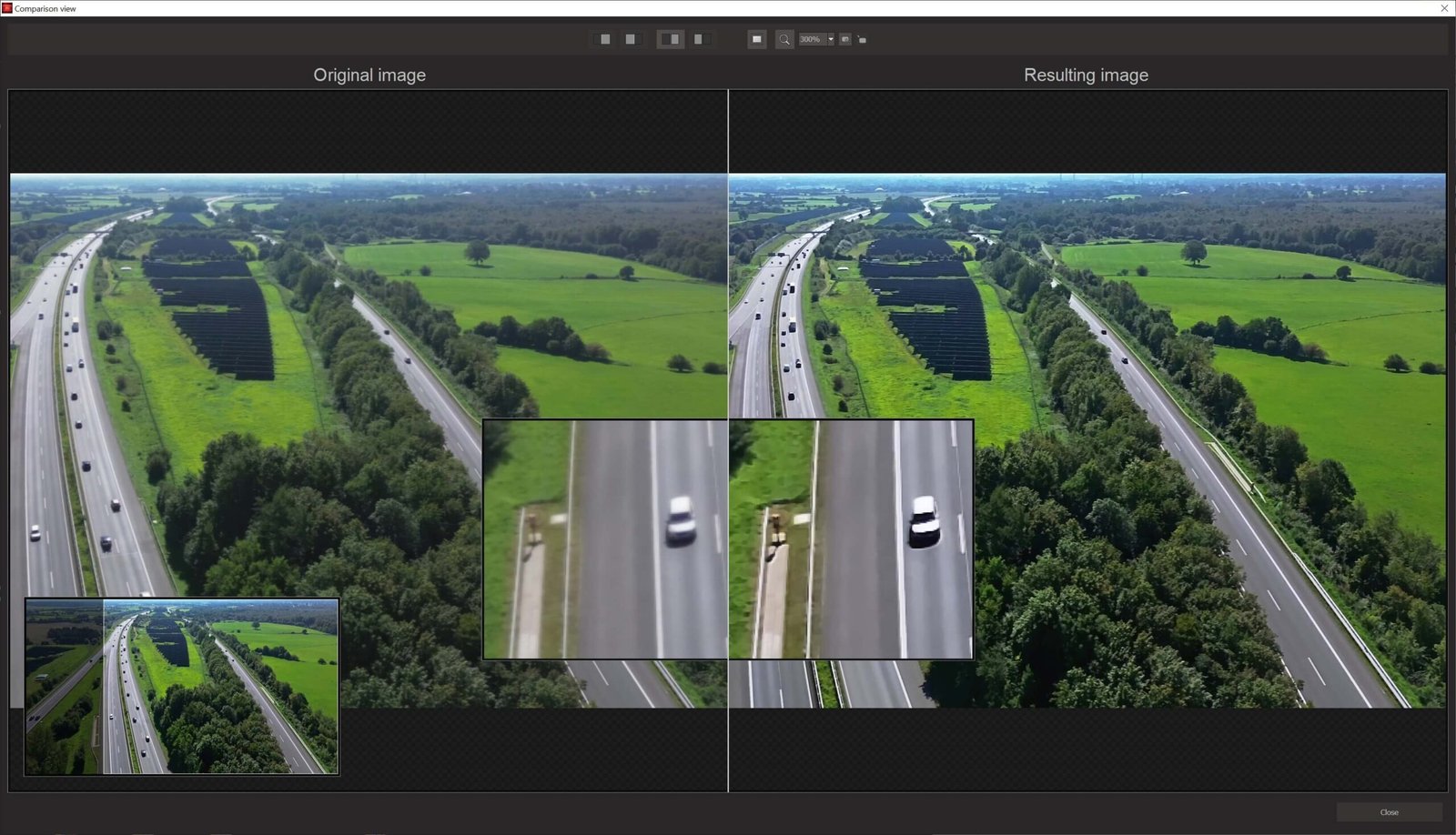
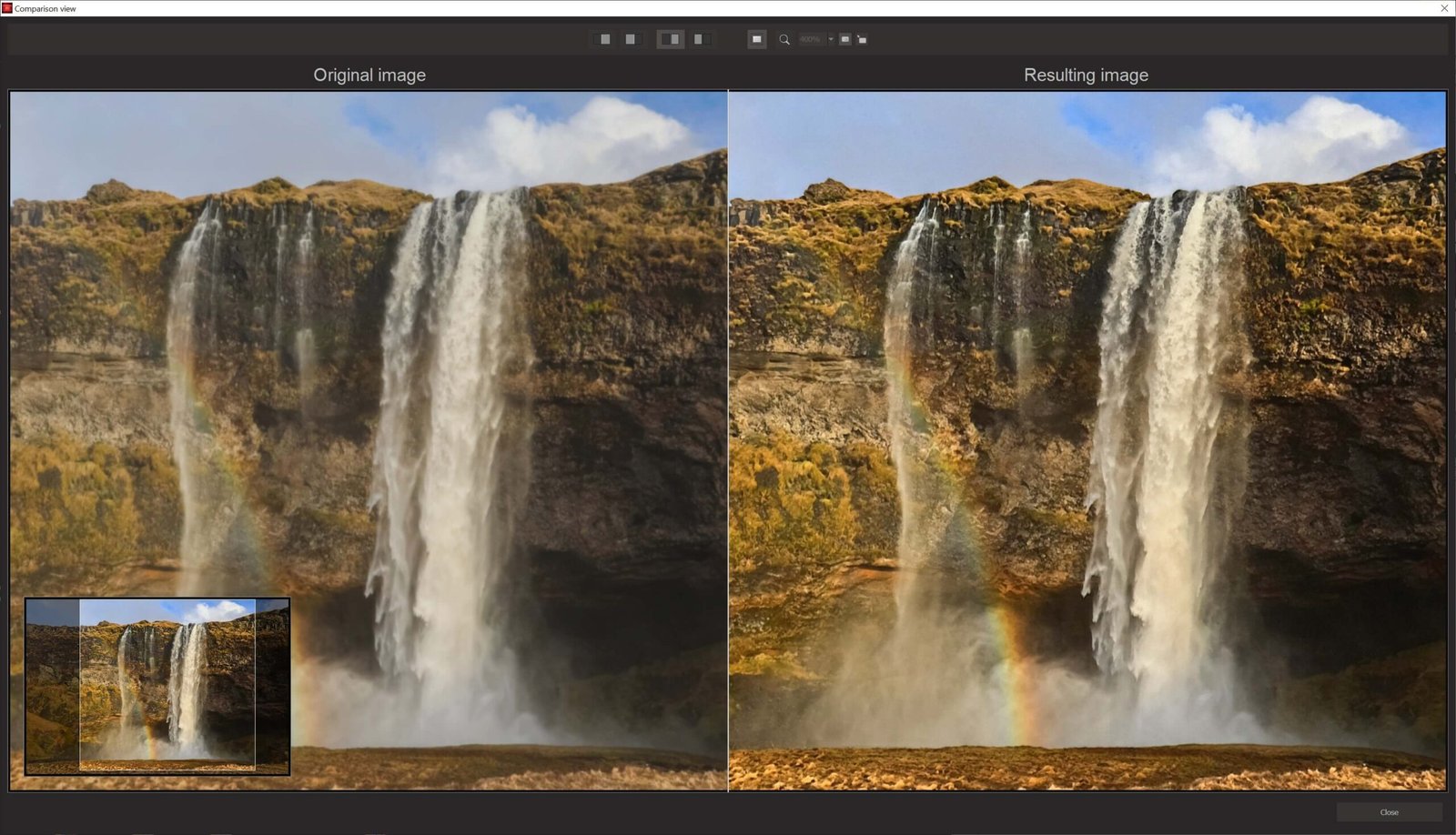
You don’t need to be a retouching expert to rescue photos affected by camera shake or missed focus. Ashampoo uses advanced algorithms to enhance image quality with AIby analyzing pixels and reconstructing missing detail.
Why choose Sharpen #6?
When a photo is blurry or low resolution, manually adjusting sharpening masks can take time. Sharpen #6 is designed to help you get crisp results faster.
You can also add our advanced photo editing suite to your workflow for finishing touches, or explore our file management tools to organize your edited projects.
Features of
Compare the available options below:
| Feature | Sharpen #6 | Free Software | Professional Software |
| AI Technology | Advanced / Automatic | None / Basic | Advanced |
| Ease of Use | One Click | Manual / Complex | Learning Curve |
| Results | Professional | Varies | Professional |
| Support and Updates | Yes | No | Yes |
Software Highlights
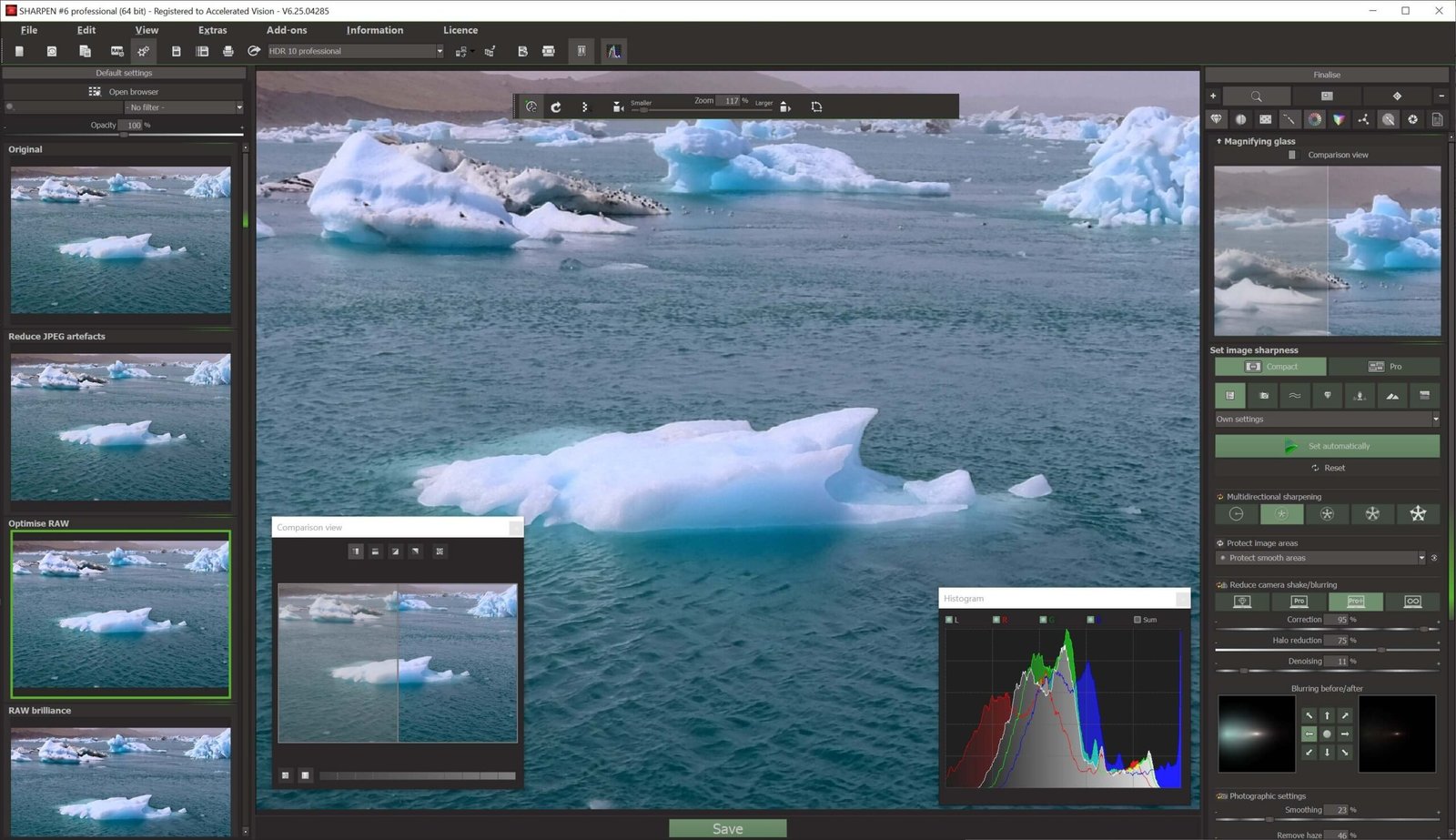
Redesigned sharpening engine: Ashampoo’s redesigned engine improves sharpening power, stability, and precision.
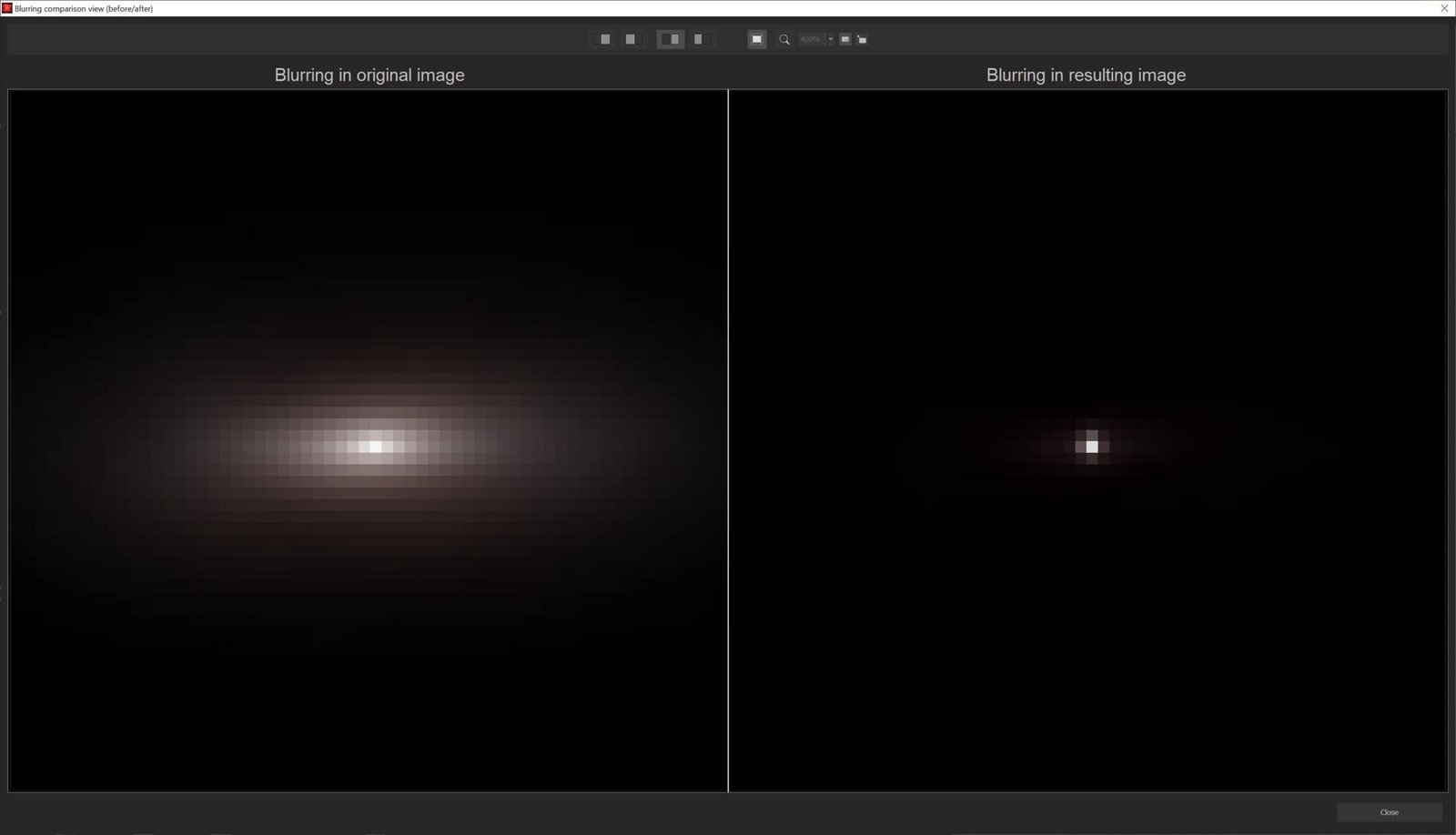
Directional correction: Correct blur caused by movement in a straight line.
Halo suppression: Reduce bright halos around sharpened edges for a more natural look.
Adjustable smoothing: Preserve delicate areas such as smooth skies and skin without introducing rough textures.
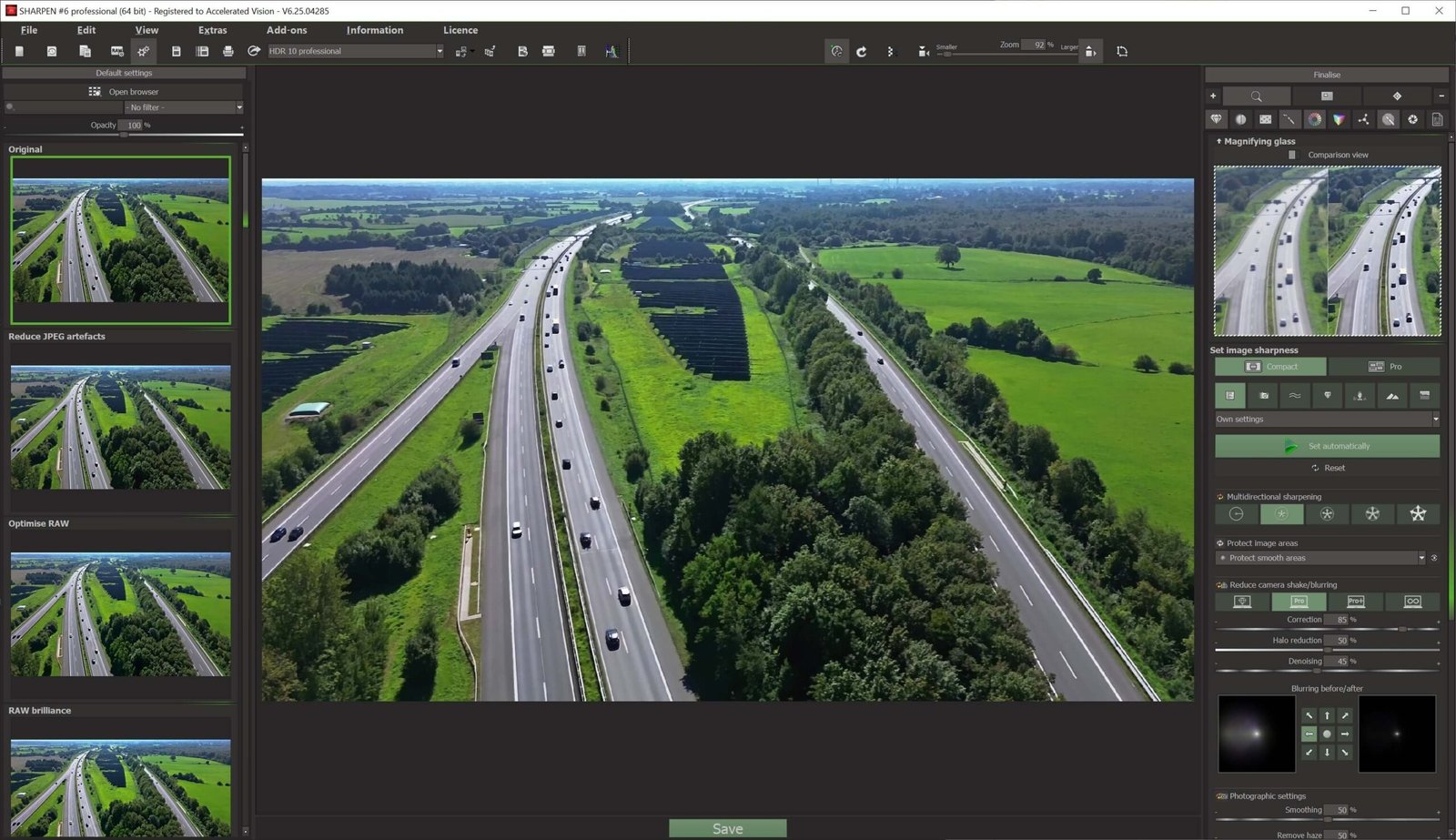
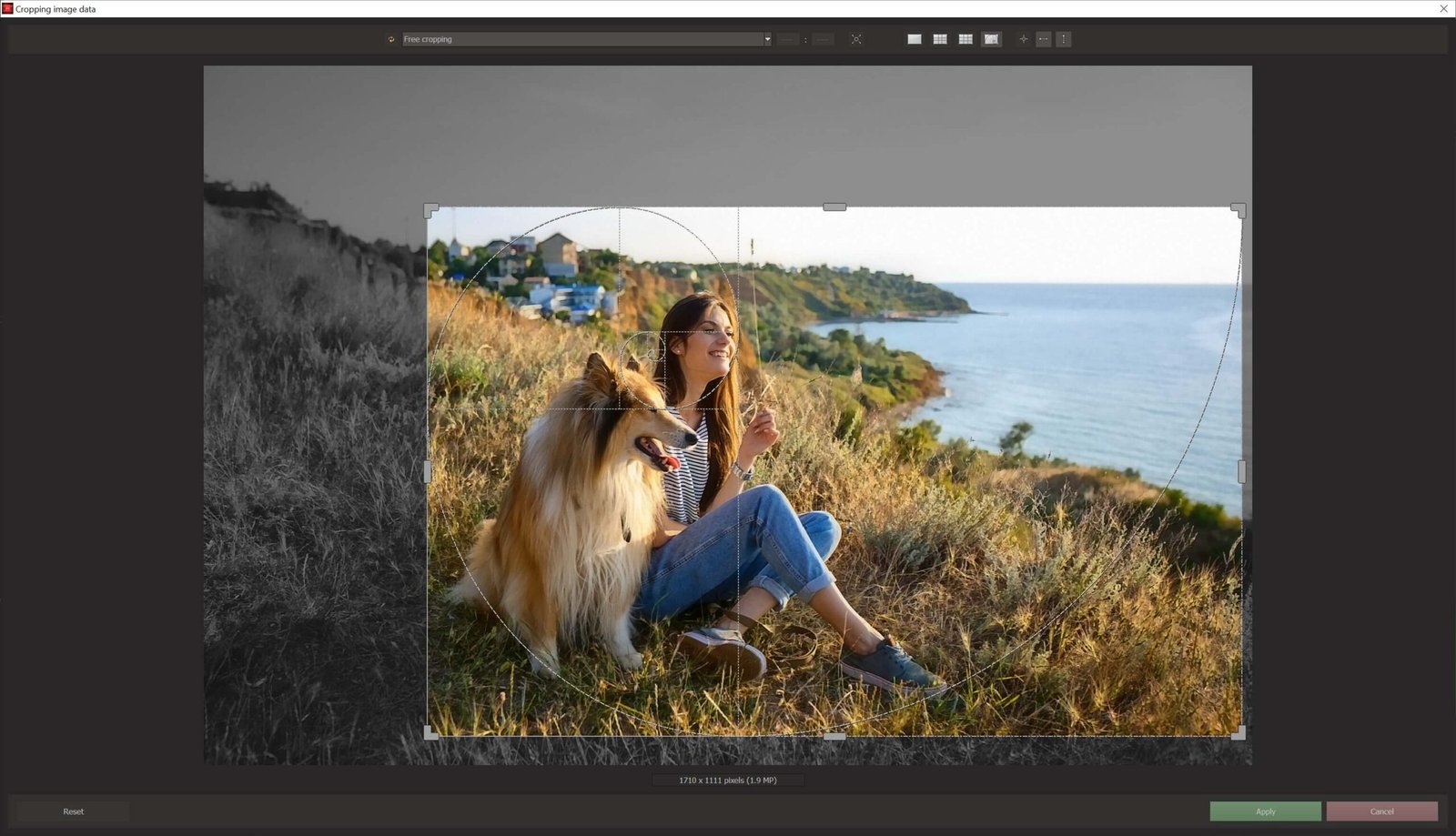
Two interface modes: Use COMPACT for quick edits or PRO for detailed manual adjustments.
Watermark tool: Add logos or transparent signatures to identify your work.
Built-in supersampling: Use advanced export settings to reduce jagged edges.
Virtual microdetail and analog grain: Give digital photos more depth and texture.
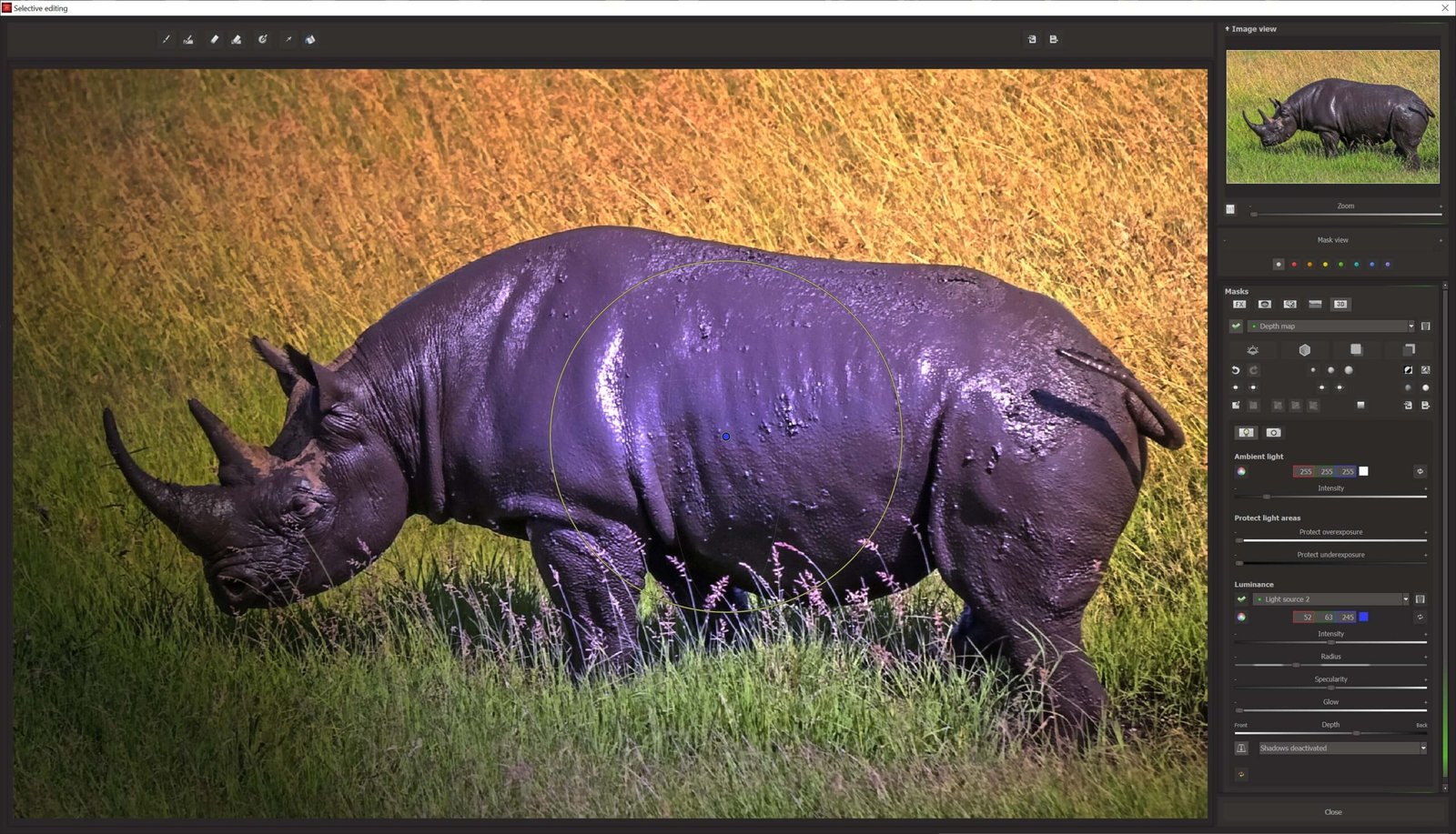
Selective retouching with an AI brush: Edit specific areas using AI-assisted edge detection.
Sensor spot correction: Remove spots caused by dust on your camera sensor.
Focus peaking: Use a high-contrast overlay to see which areas are in focus.
AI and hardware acceleration: Speed up processing without tying up all your PC’s resources.
What’s included with your Sharpen #6 license
AI algorithms that reduce blur.
An intuitive interface for quick edits.
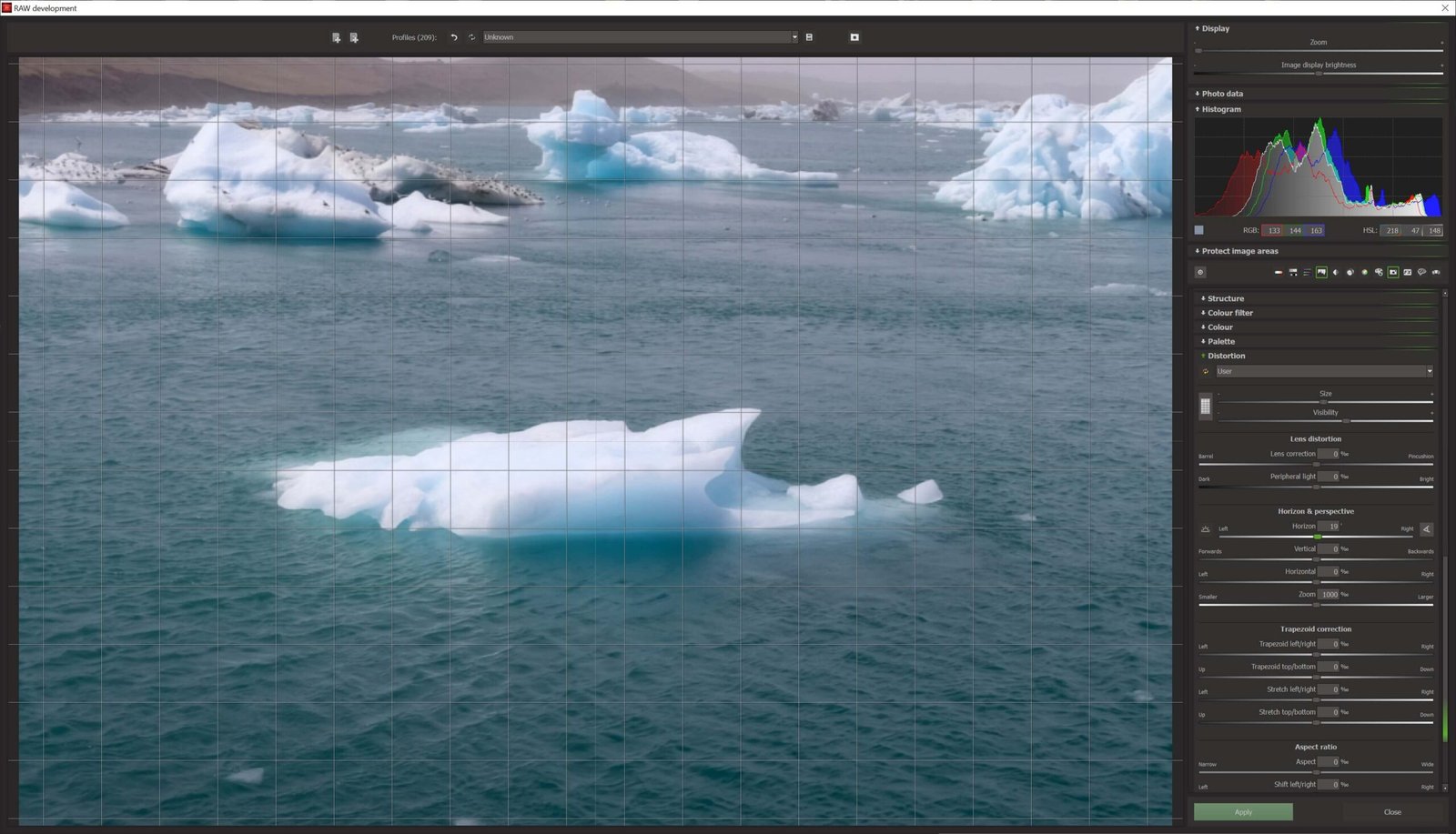
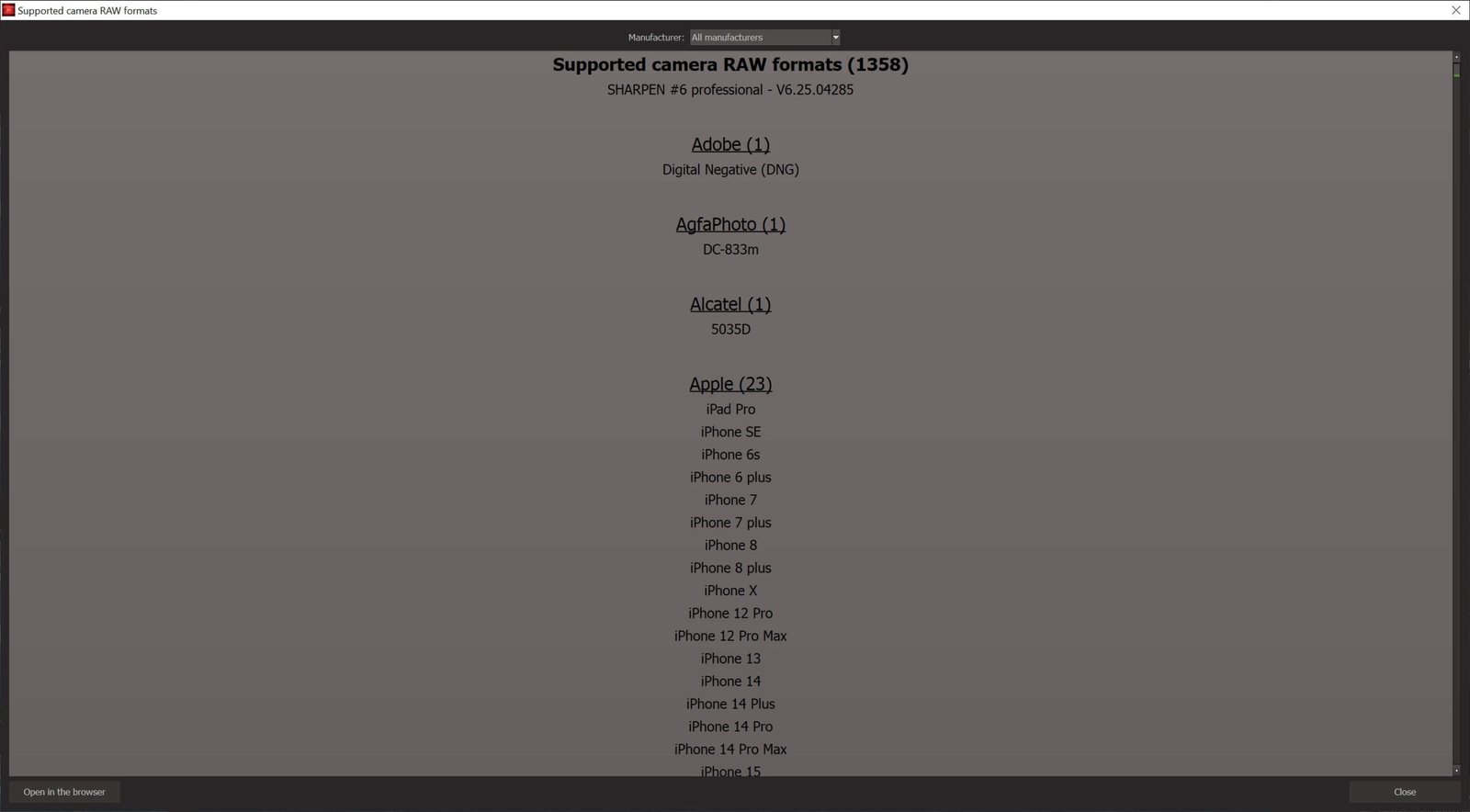
Support for RAW and JPG files.
Real-time previews let you enhance image quality with AI while checking that fine detail is preserved.
Automatic AI model updates.
Everyday uses
Photographers can rescue shots from fast-moving events, and small businesses can enhance image quality with AI to make their online product photos look sharper.
Frequently Asked Questions
What does Ashampoo Sharpen #6 do?
It automatically improves photo sharpness and clarity.
Can it fix slightly out-of-focus photos?
Yes. It can help recover detail and make slightly blurry photos look sharper.
Do I need advanced photo editing skills?
No. The software is designed to make photo editing easier.


Reviews
There are no reviews yet.