
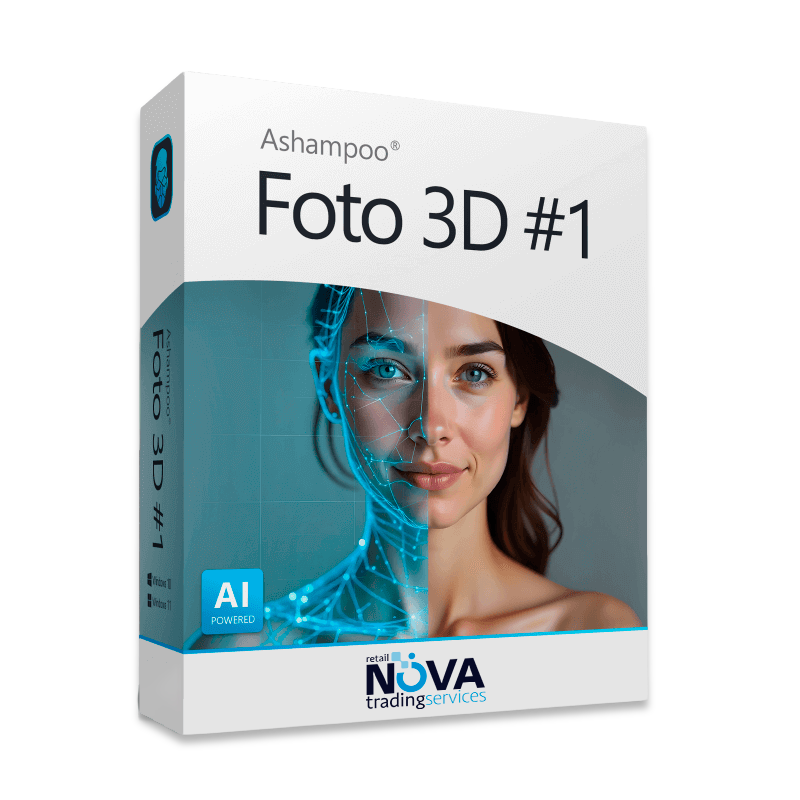





Ashampoo Foto 3D #1: Turn Photos Into 3D Scenes
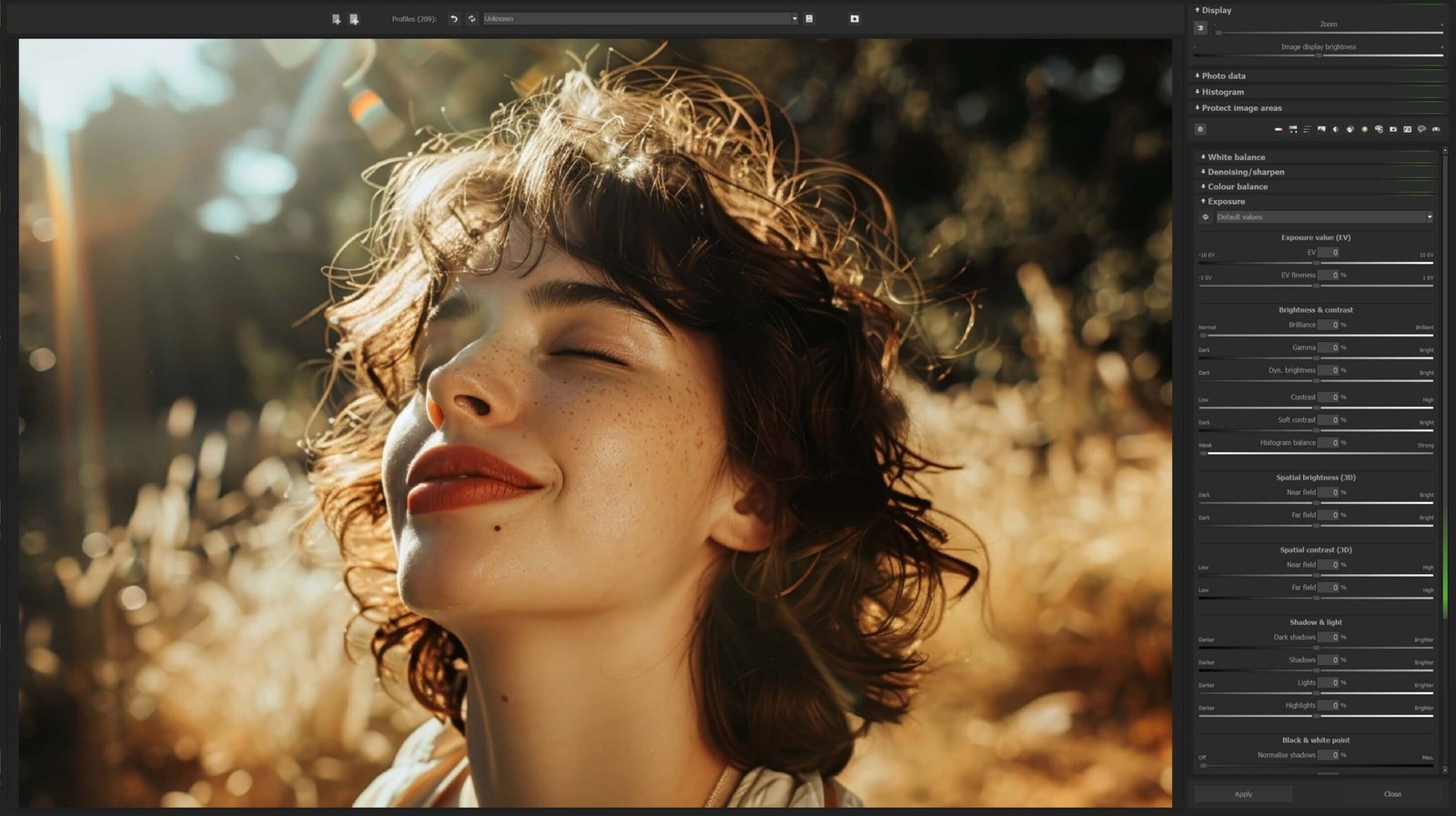
With 3D photo editing , you can add depth to an ordinary photo using Ashampoo Foto 3D #1. Give flat images a sense of space without learning a complex design application.
How Does 3D Photo Editing Work?
With 3D photo editing , depth separates foreground and background elements so you can build a scene from a flat image.
Designers, photographers, and business owners can use this tool to give product photos or family pictures more depth.
Features and Benefits
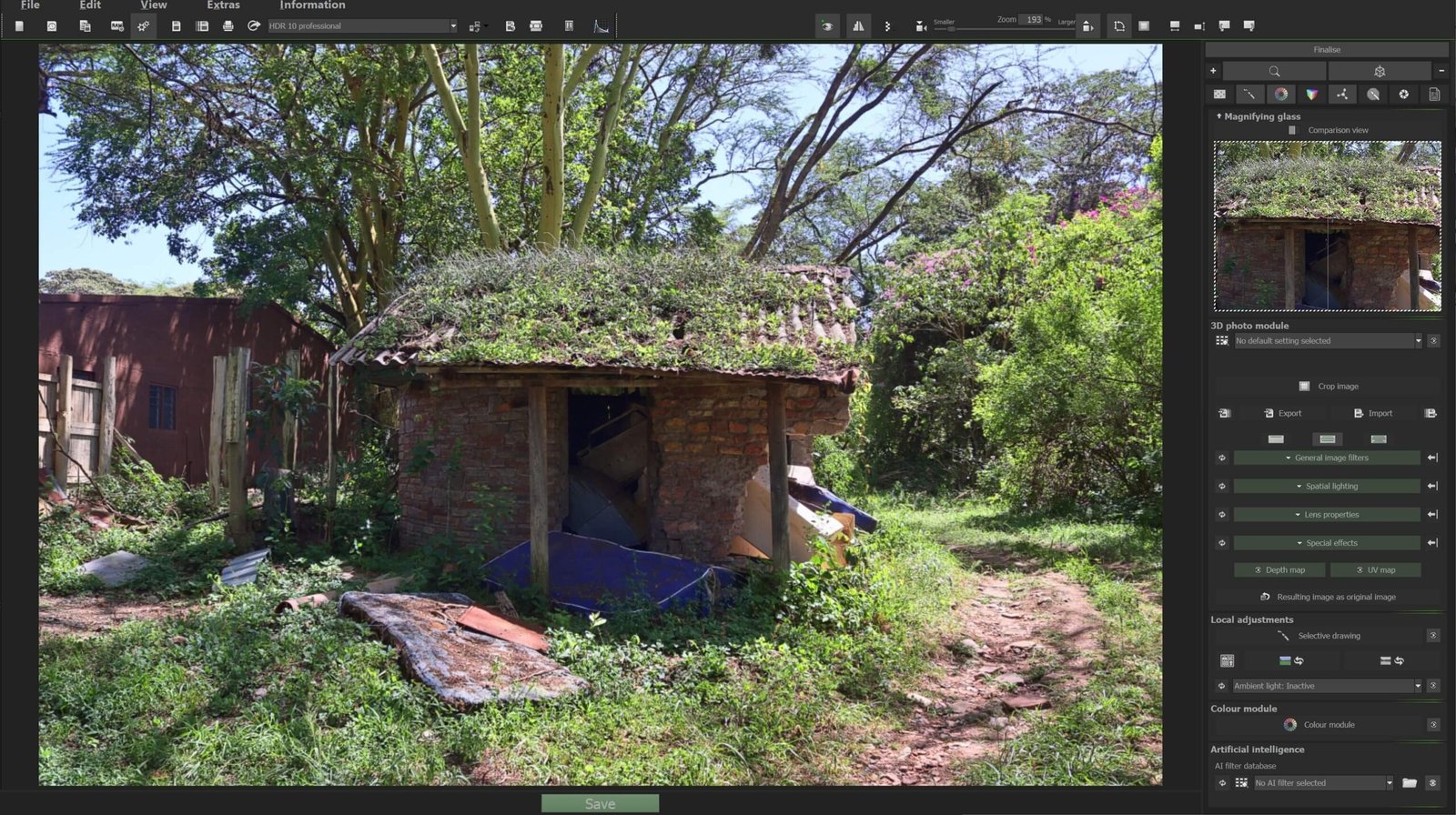
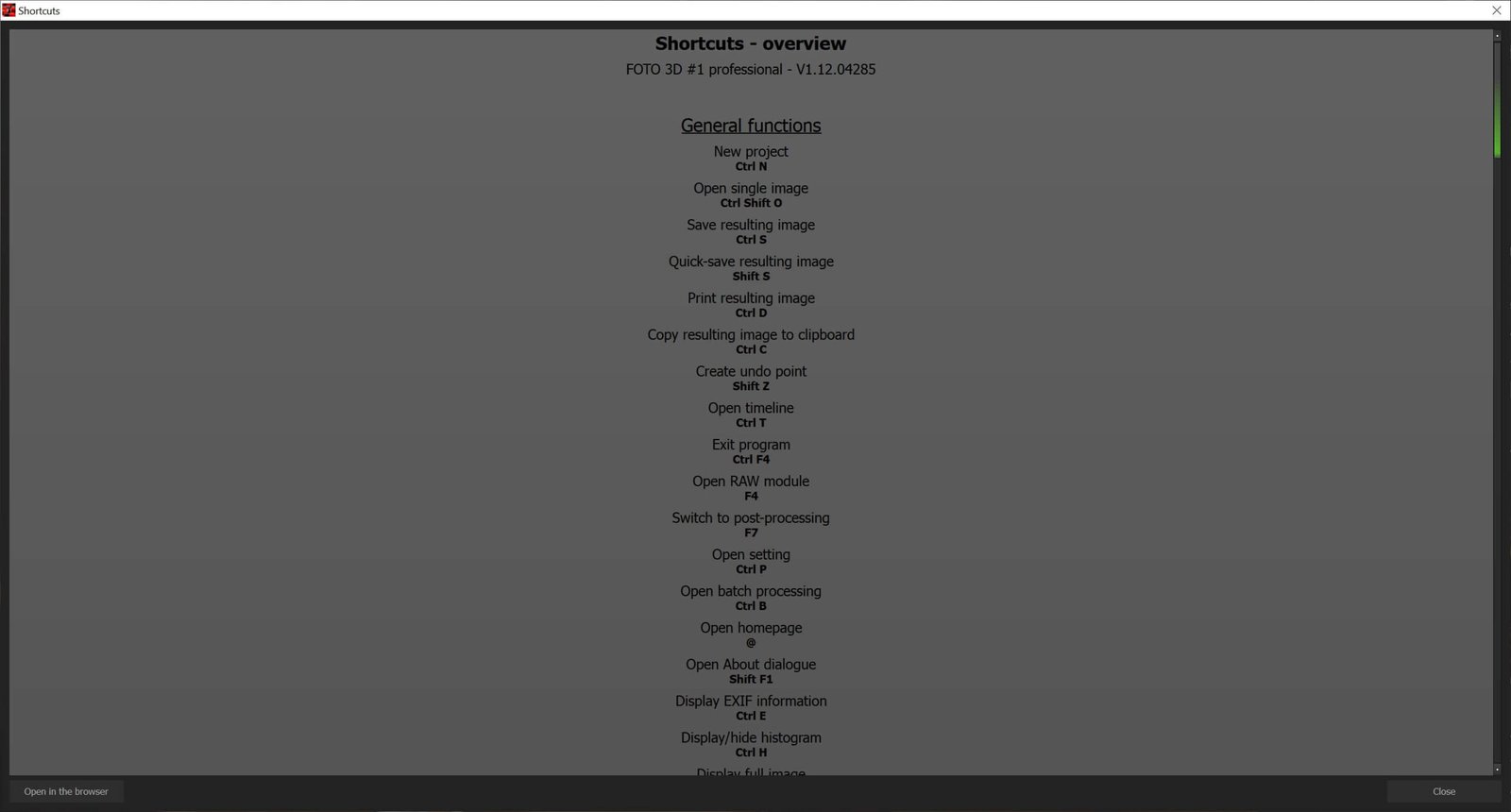
The 3D editing workflow takes you from import to export in a few steps.
Simple interface: Start working with depth without extensive training.
Realistic results: Algorithms detect edges and depth planes to help produce an accurate conversion.
Export options: Export your work in formats suitable for modern displays.
How Ashampoo Foto 3D #1 Compares
| Feature | Ashampoo Foto 3D #1 | Free Software | Professional Software |
| Learning Curve | Minimal | Steep | Very steep |
| Depth Quality | High and precise | May vary | Very high |
| Technical Support | Included | None | May require a subscription |
| Price | Affordable | Free with limitations | Higher cost |
Feature Highlights
Volumetric effects: Use AI-generated depth maps for spatial editing.
Anaglyph export: Render 3D images for viewing with red-cyan glasses.
Ready-to-use presets: Start with any of 40 presets.
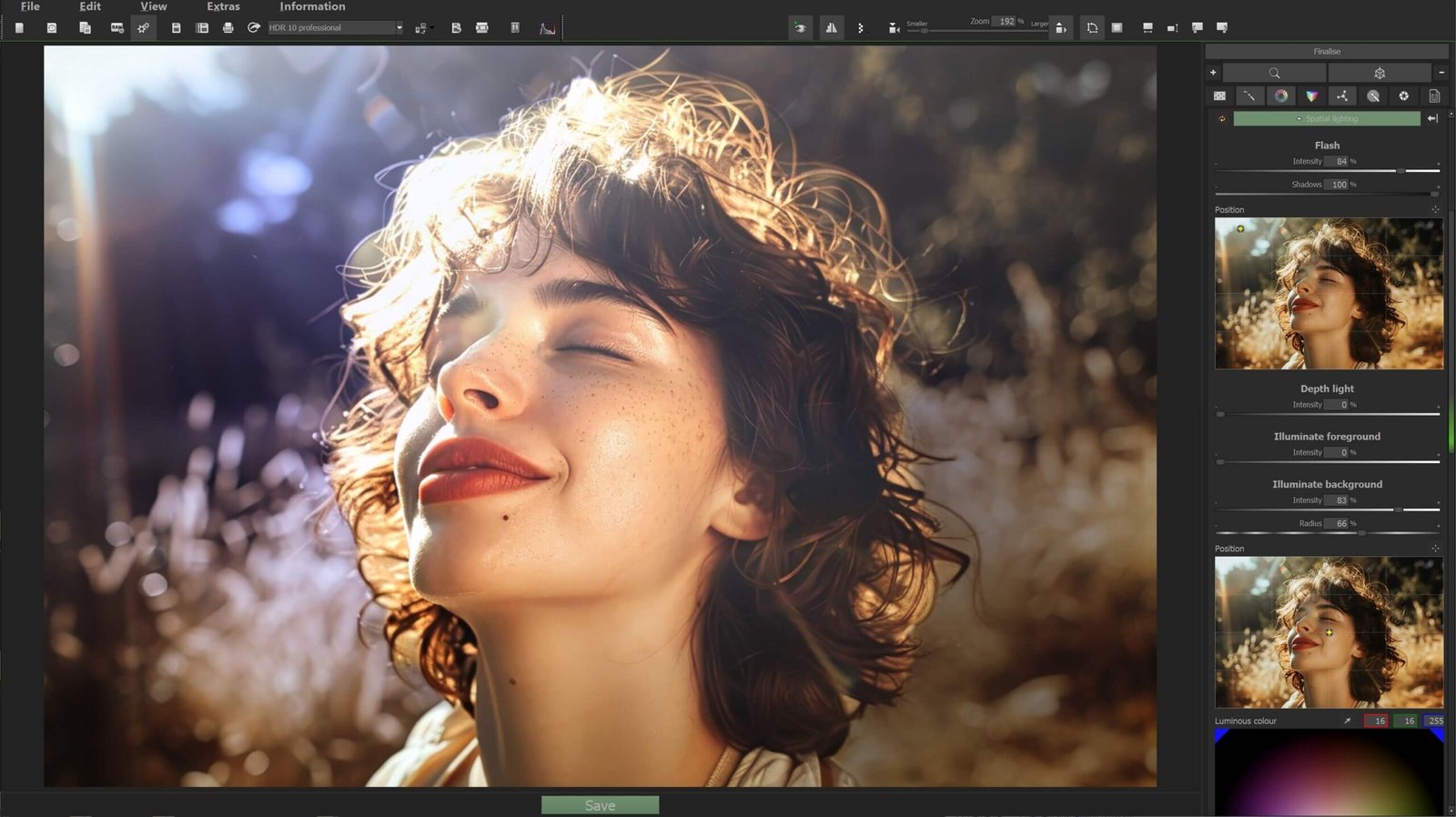
Virtual lighting: Add flash after shooting, diffuse light, or directional beams that cast realistic shadows.
Lens simulation: Create progressive bokeh or use tilt-shift blur for a miniature look.
Atmospheric effects: Simulate colored volumetric fog, adjust light absorption, and selectively reduce haze.
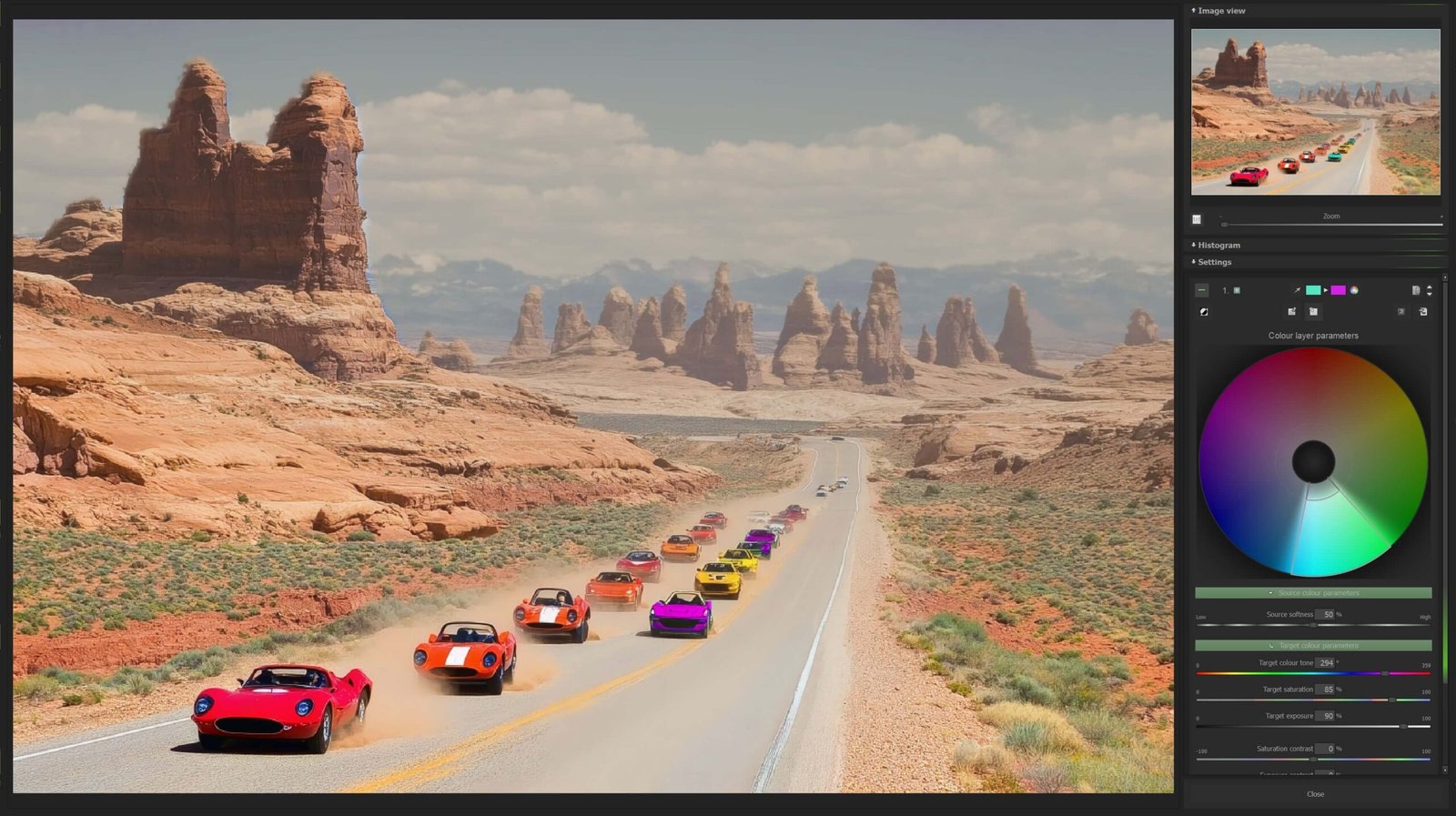
Selective editing: Apply lighting, color gradients, and tonal adjustments to specific depth ranges.
Watermarks and integrations: Apply watermarks in batches, develop RAW photos, and use plugins to integrate with Adobe apps.
What’s Included With Ashampoo Foto 3D #1
The suite includes tools for 3D photo editing :
A fast rendering engine for immediate previews.
Depth editing tools to correct specific areas of the image.
Lighting effects to blend 3D elements with their surroundings.
An export assistant for social media and online stores.
Updates to maintain compatibility with new formats.
For more ways to edit your images, explore our multimedia editing software.
Frequently Asked Questions
What is Ashampoo Foto 3D #1 used for?
It creates 3D scenes and compositions from photos and digital images.
Do I need advanced design skills?
No. The program is designed to be intuitive and easy to use.
Can I create visuals for social media?
Yes. You can use it to create and export visuals for social media.


Reviews
There are no reviews yet.