

Reduce flicker in your videos
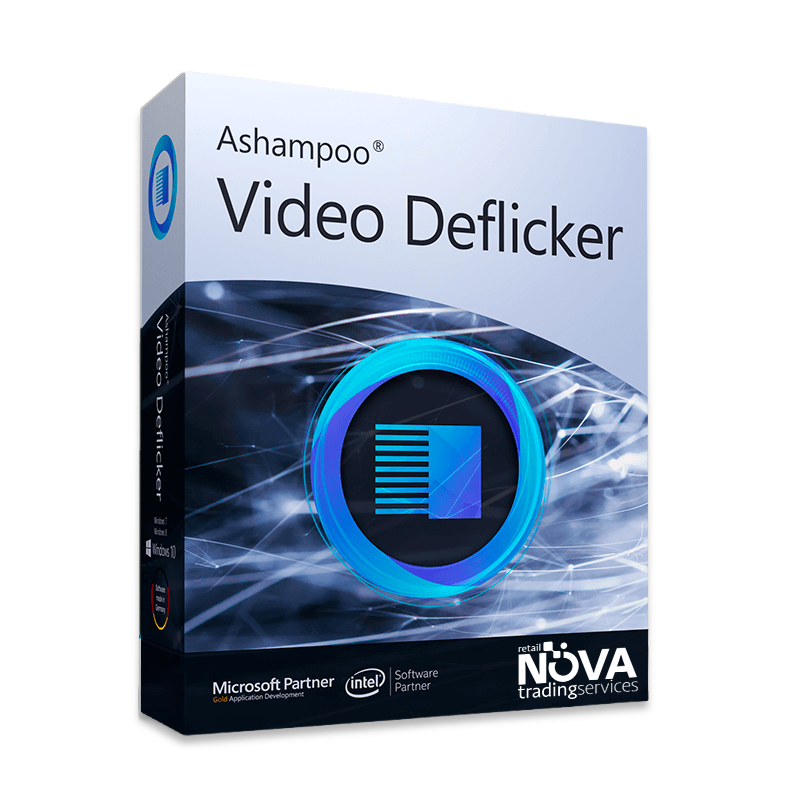
Ashampoo Video Deflicker corrects frame-to-frame brightness changes that can occur when your camera’s shutter speed doesn’t match the frequency of artificial lights or a display. Use it to clean up interviews, webinars, or event footage without reshooting.
Correct flicker, color, and framing
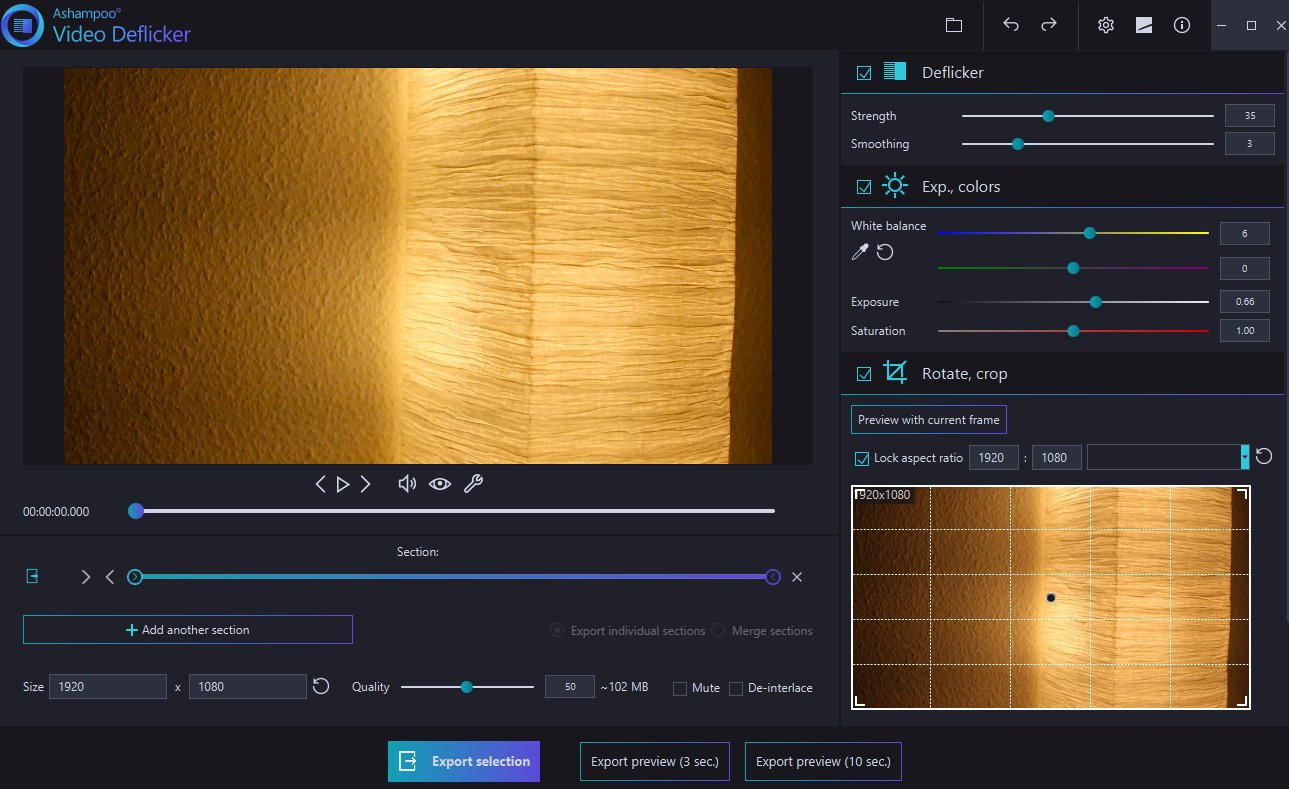
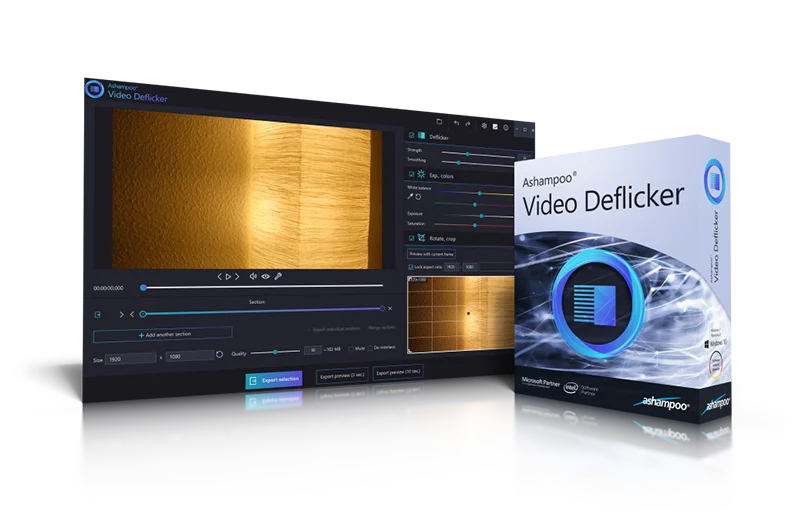
- Automatic flicker reduction: Analyze brightness changes between frames without setting manual keyframes.
- Color controls: Adjust white balance, highlights, shadows, and saturation.
- Rotation and mirroring: Straighten tilted footage or correct its orientation.
- Cropping: Reframe video for different platforms and aspect ratios.
What’s included
A perpetual license for use on your PC, access to the official installer, updates during the product’s lifecycle, and installation support.
Frequently Asked Questions
What is Ashampoo Video Deflicker used for?
It removes distracting flicker and makes footage look more consistent.
Can it fix uneven lighting in videos?
Yes. It helps reduce visible brightness fluctuations caused by flicker. It also includes straightforward tools and automatic adjustments.


Reviews
There are no reviews yet.